Product update
You can call Lucie now
Talk your day through out loud, keep going with your phone locked, and hear when the email you are waiting for arrives.
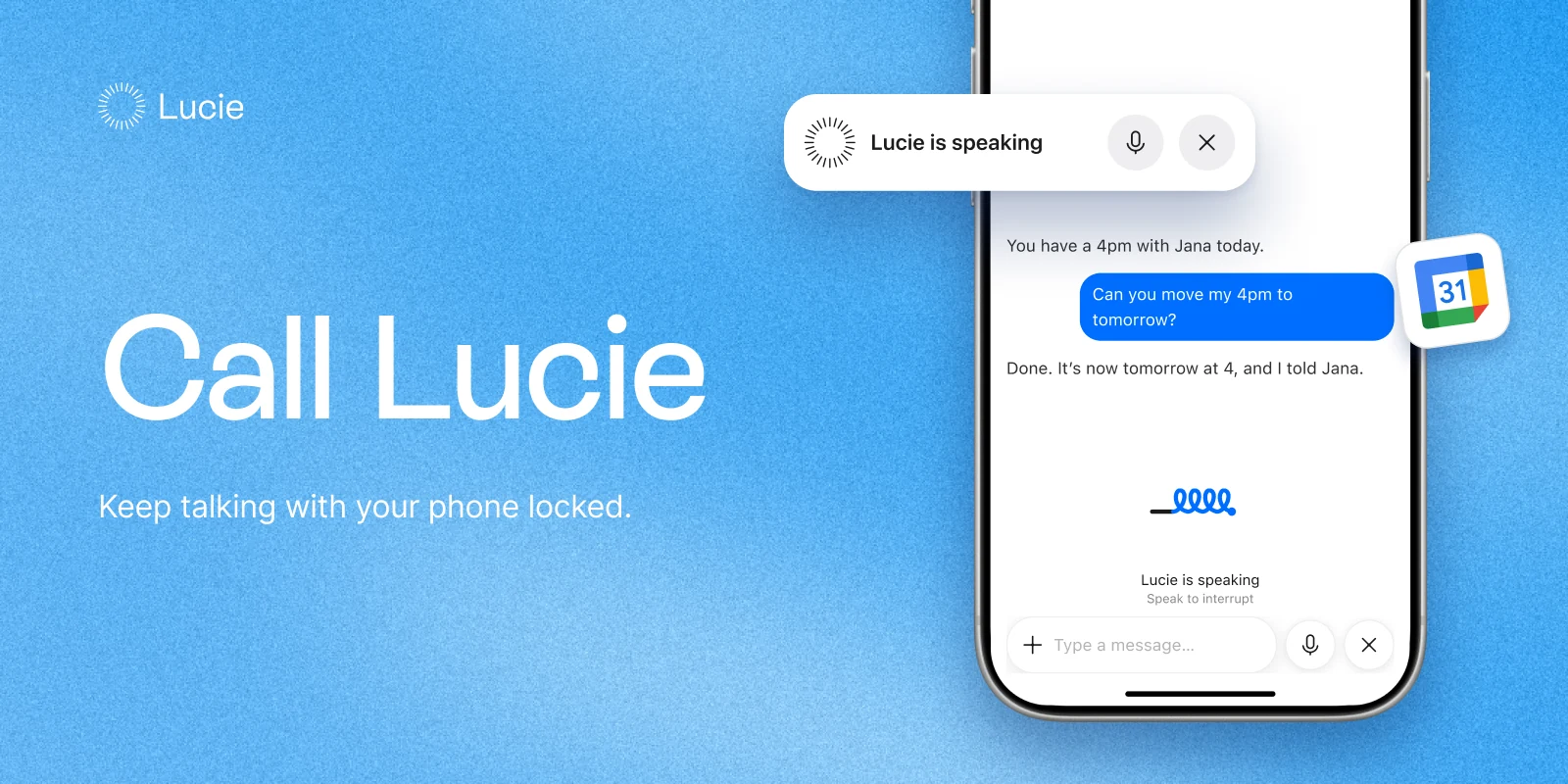
Some things are easier to say than to type. Version 1.5.1 gives Lucie a call button, and five more things to try.
Easier to say than to type?
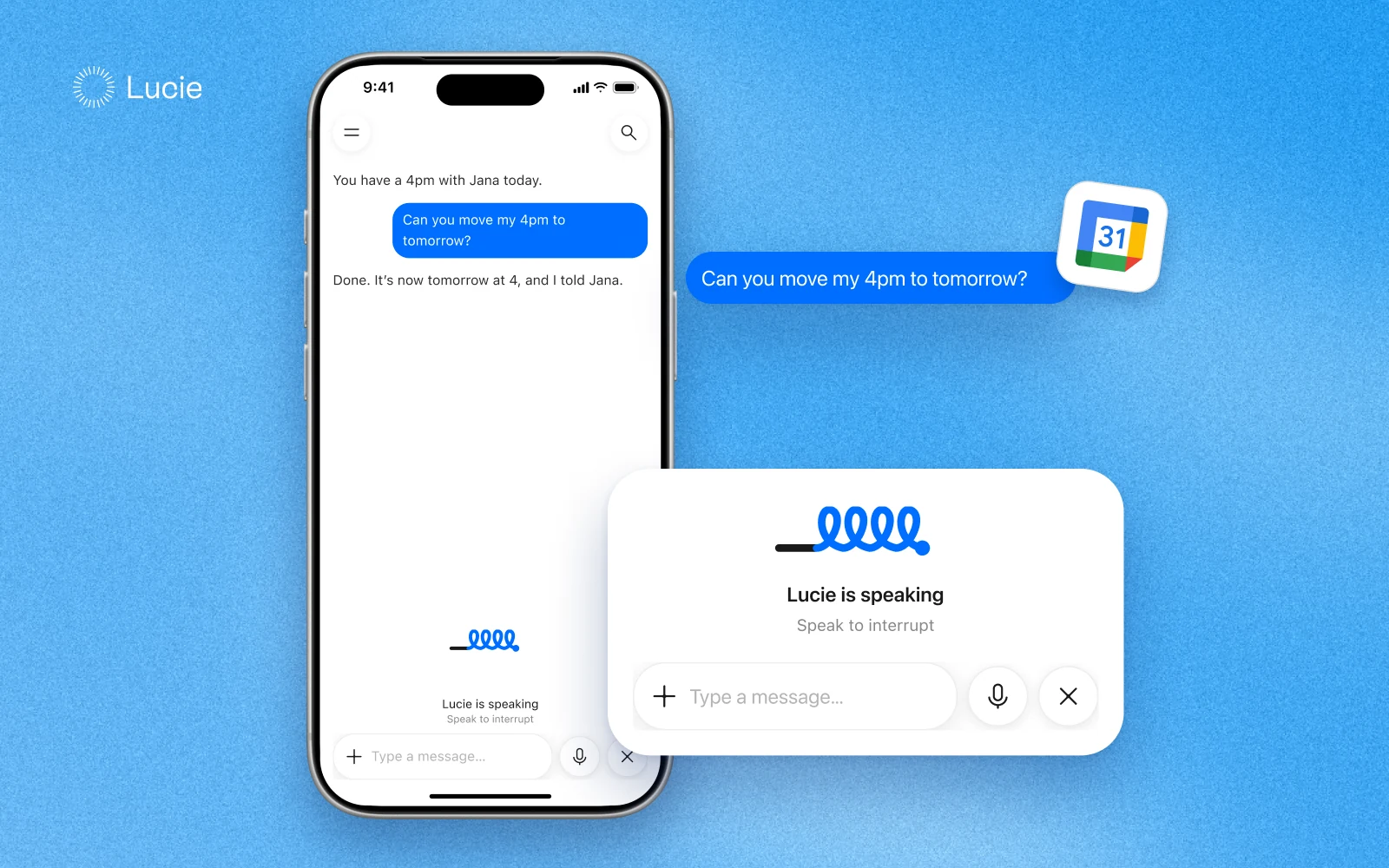
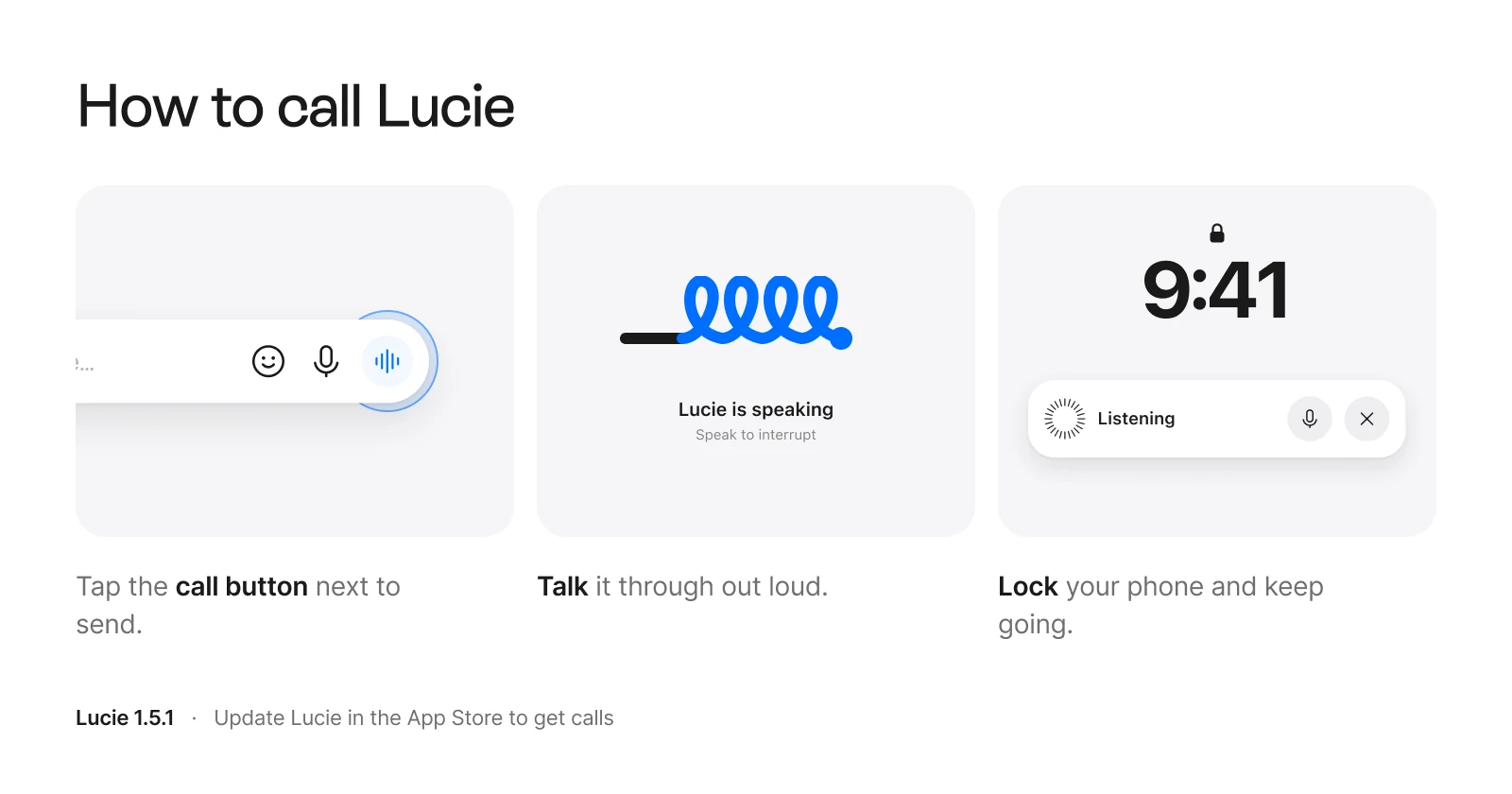
Tap the call button next to send and talk your plan through: what is on tomorrow, whether that meeting should move, how the week is really going. We kept the screen quiet on purpose. Lucie answers in one calm line while it speaks, with mute and end call within reach.
Can I keep talking with my phone locked?
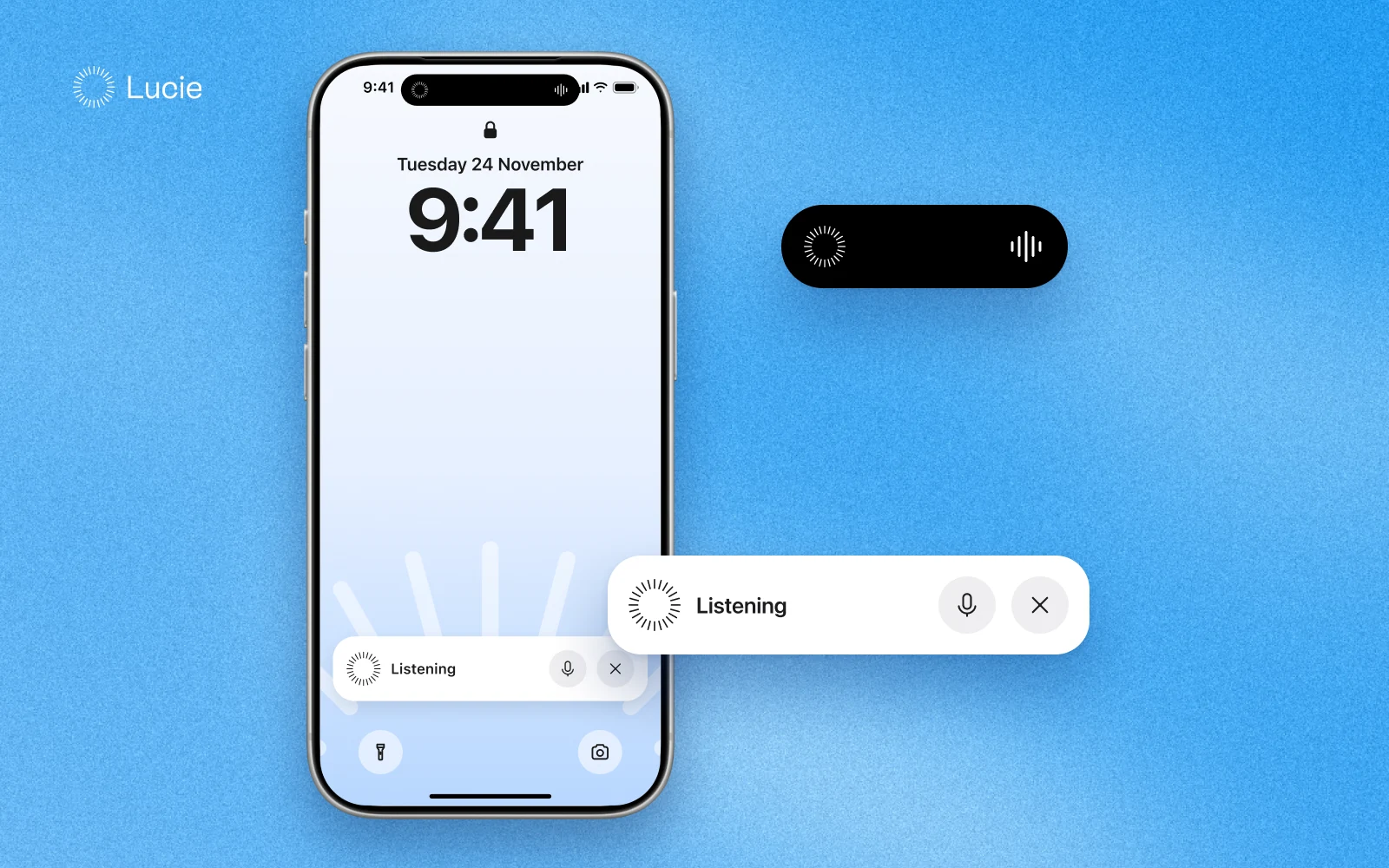
The call carries on when you lock your phone or switch to another app. It sits in the Dynamic Island and on your Lock Screen, with buttons to mute or hang up. Put the phone in your pocket and keep going while you walk or cook.
Where do I tick off my goals and habits?
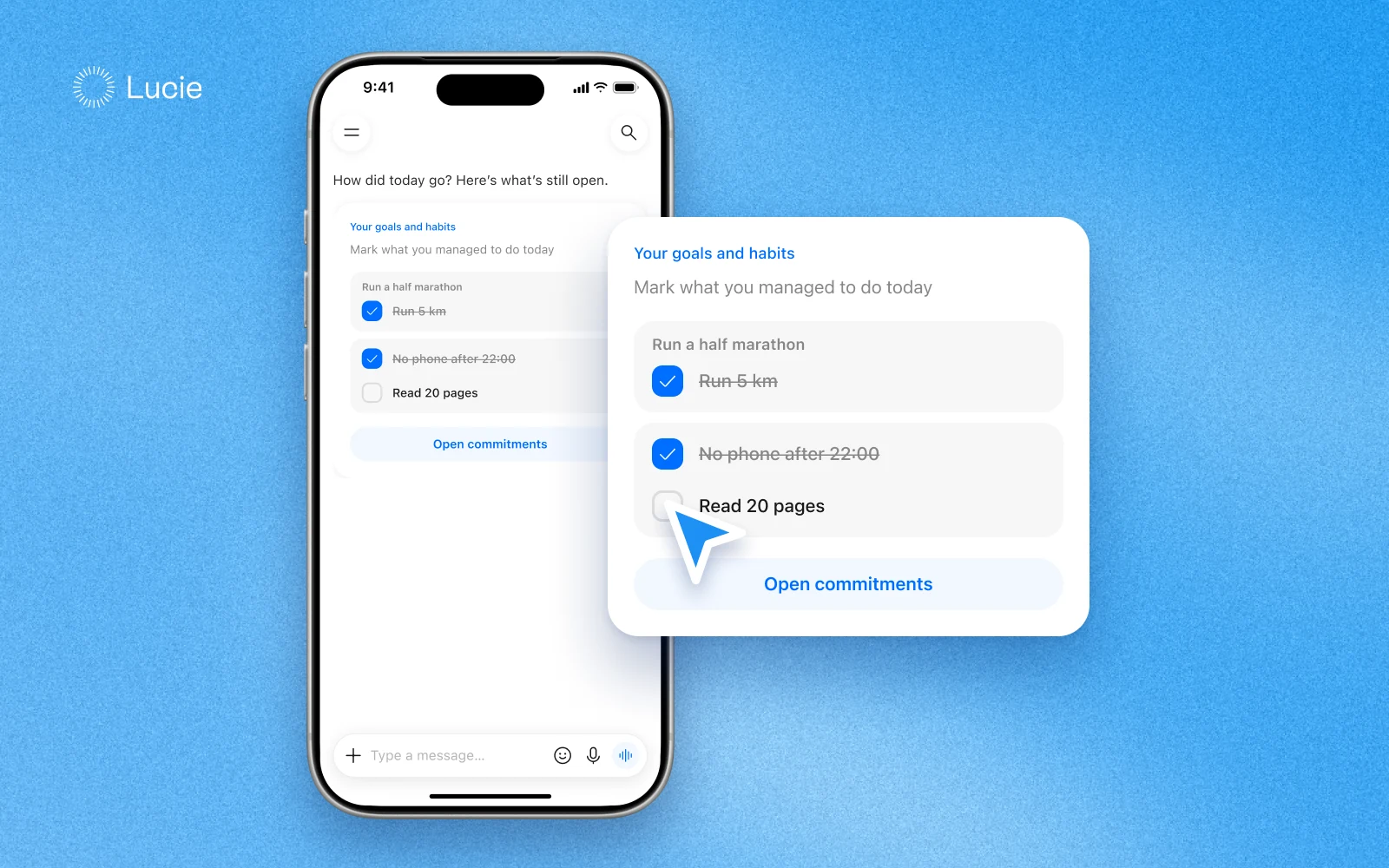
Every evening Lucie sends a card with the goals and habits you set for yourself. You can now tick them off right there in the card. Goal plans fit in a short card too, with the full plan one tap away, and a plan can repeat every month or start on a day you choose.
Waiting on an email?
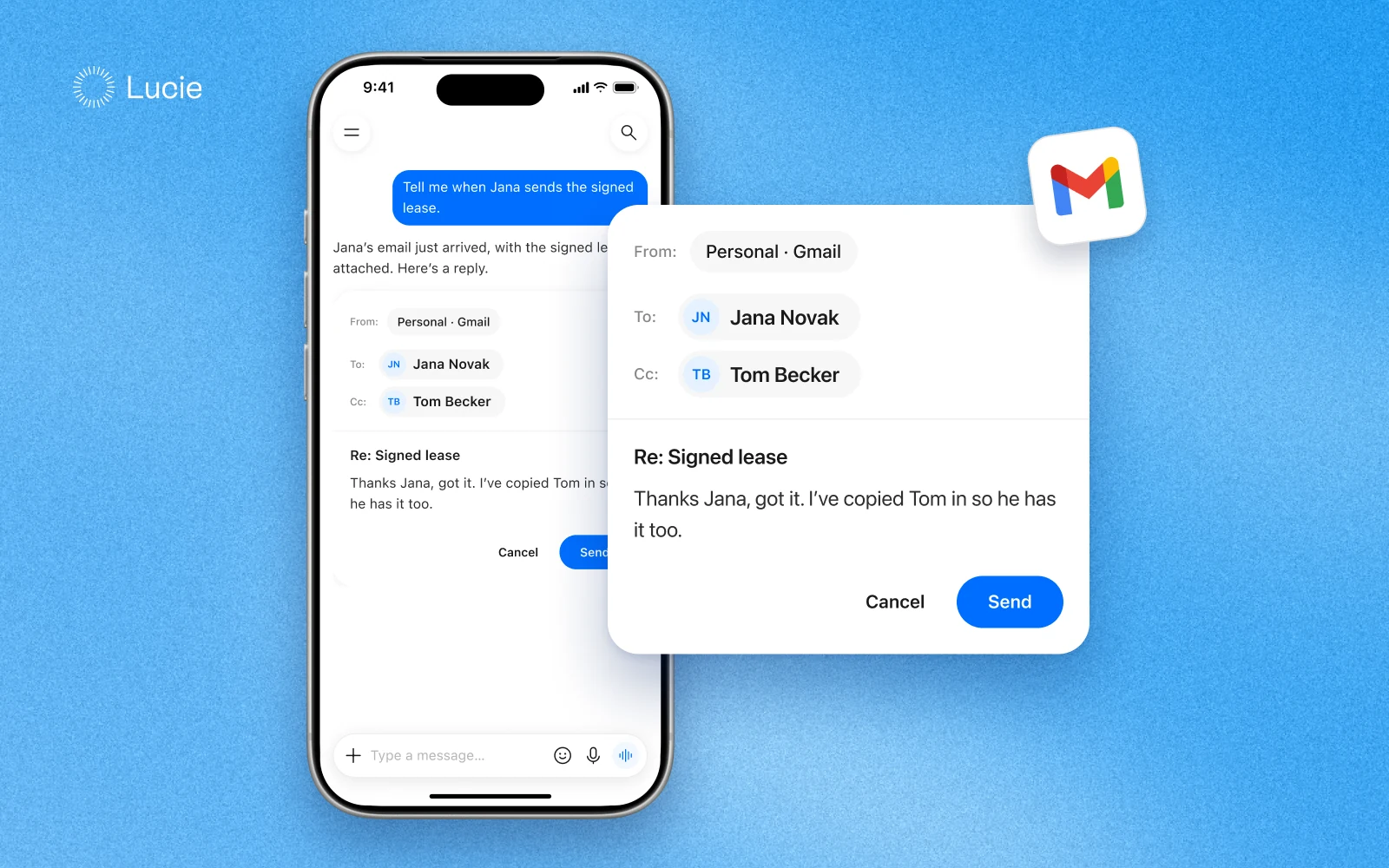
Tell Lucie which email you are waiting for and put the phone down. It tells you within 15 minutes of it landing. When you write back, you can now copy people in with Cc and Bcc.
What do the new widgets do?
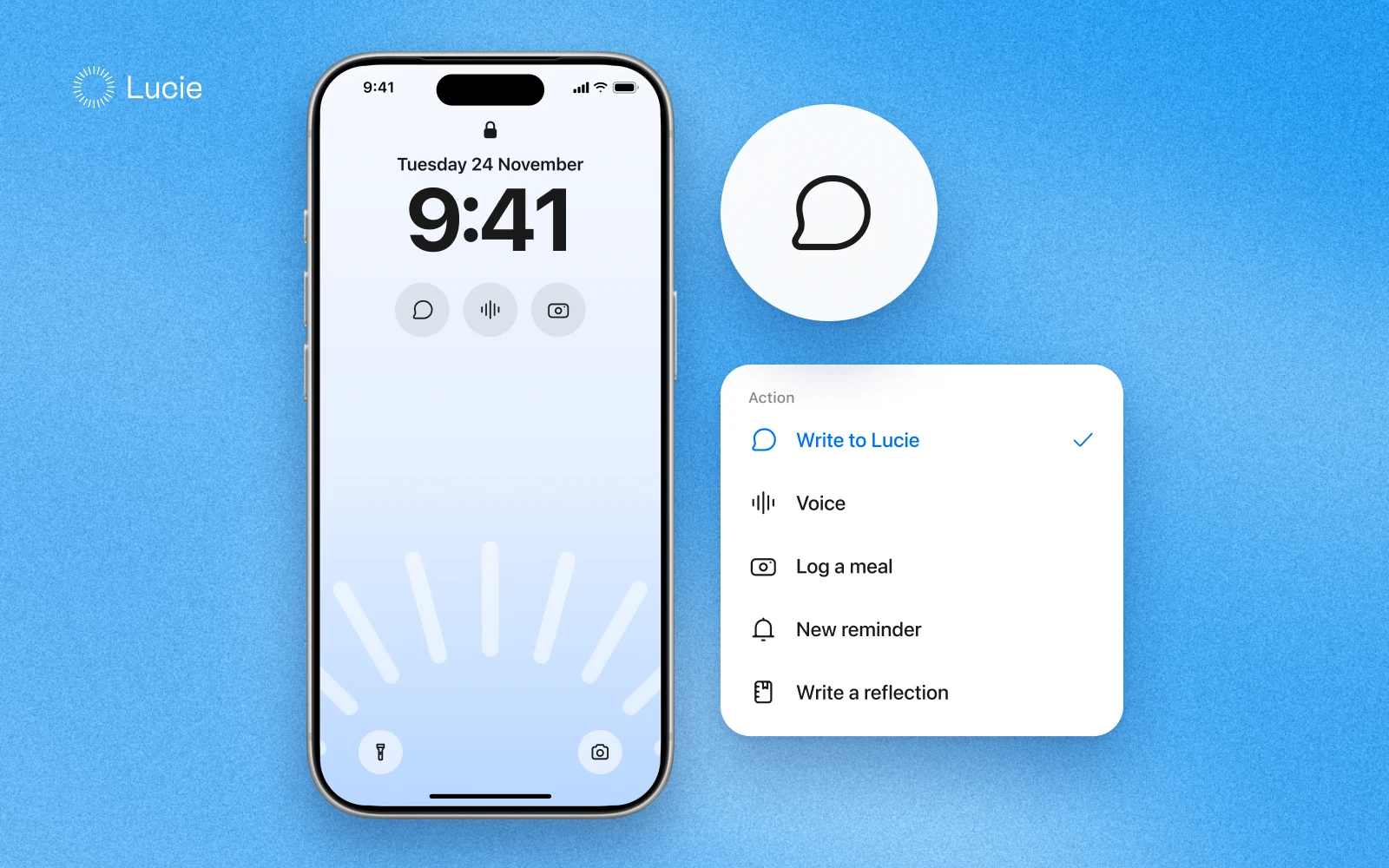
On your Home Screen, a Next up widget shows what is coming from your calendar, reminders and tasks. Others log a meal, start a breath or open a message to Lucie in one tap. On the Lock Screen, a widget opens the Lucie action you choose: a message, a call, a meal, a reminder or a reflection.
Where can I buy it, and for how much?
Ask Lucie about a product and it shows you the shops that sell it, with prices in your own currency.
Have feedback? Send us a note from inside the app.