Product update
Meals, Slack and a cleaner inbox
See your meals in one place, catch up on Slack and tidy Outlook or iCloud Mail.
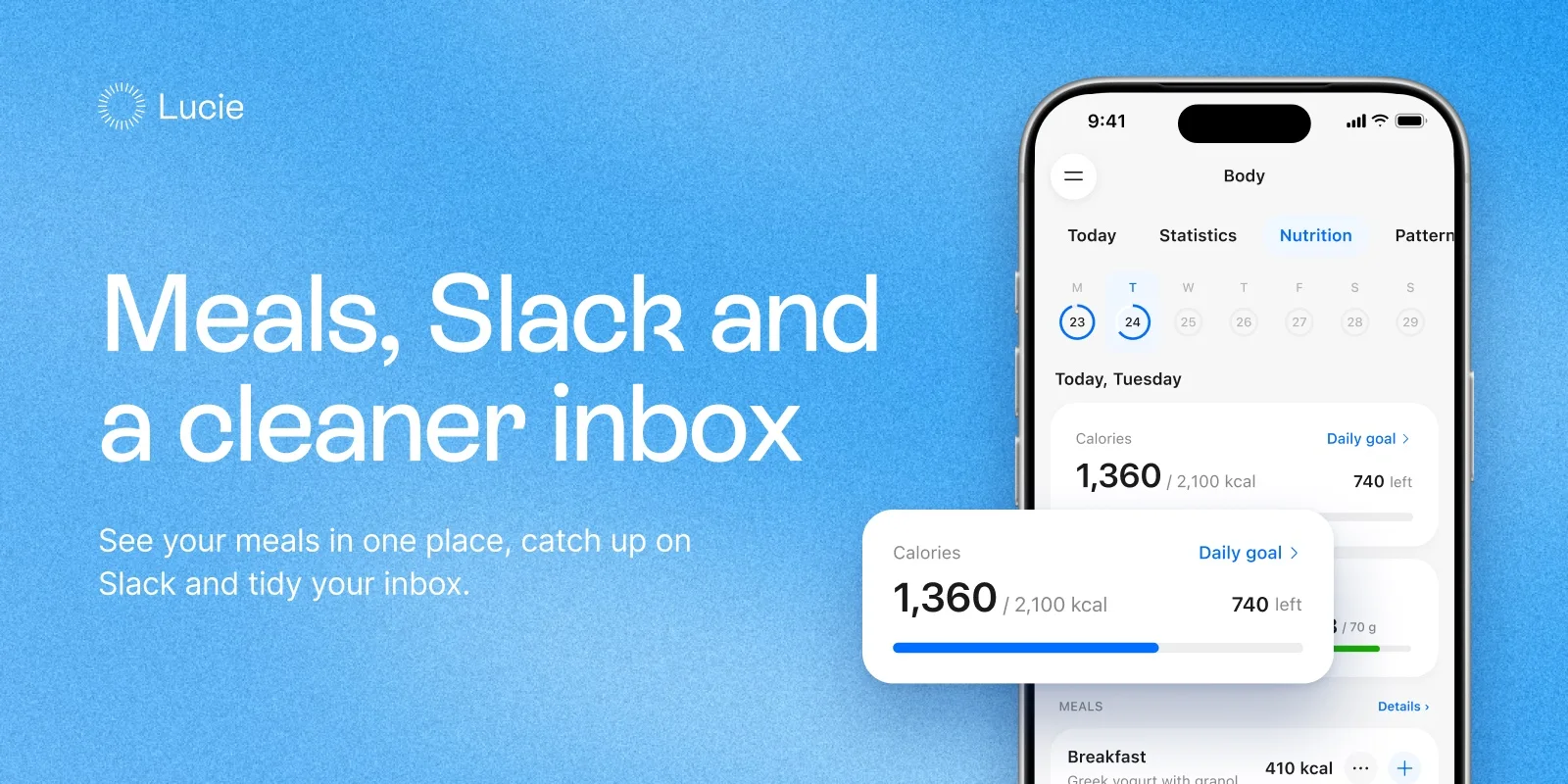
Version 1.5.0 brings your meal history into Nutrition and adds new ways to manage Slack and email.
Your meals in one place
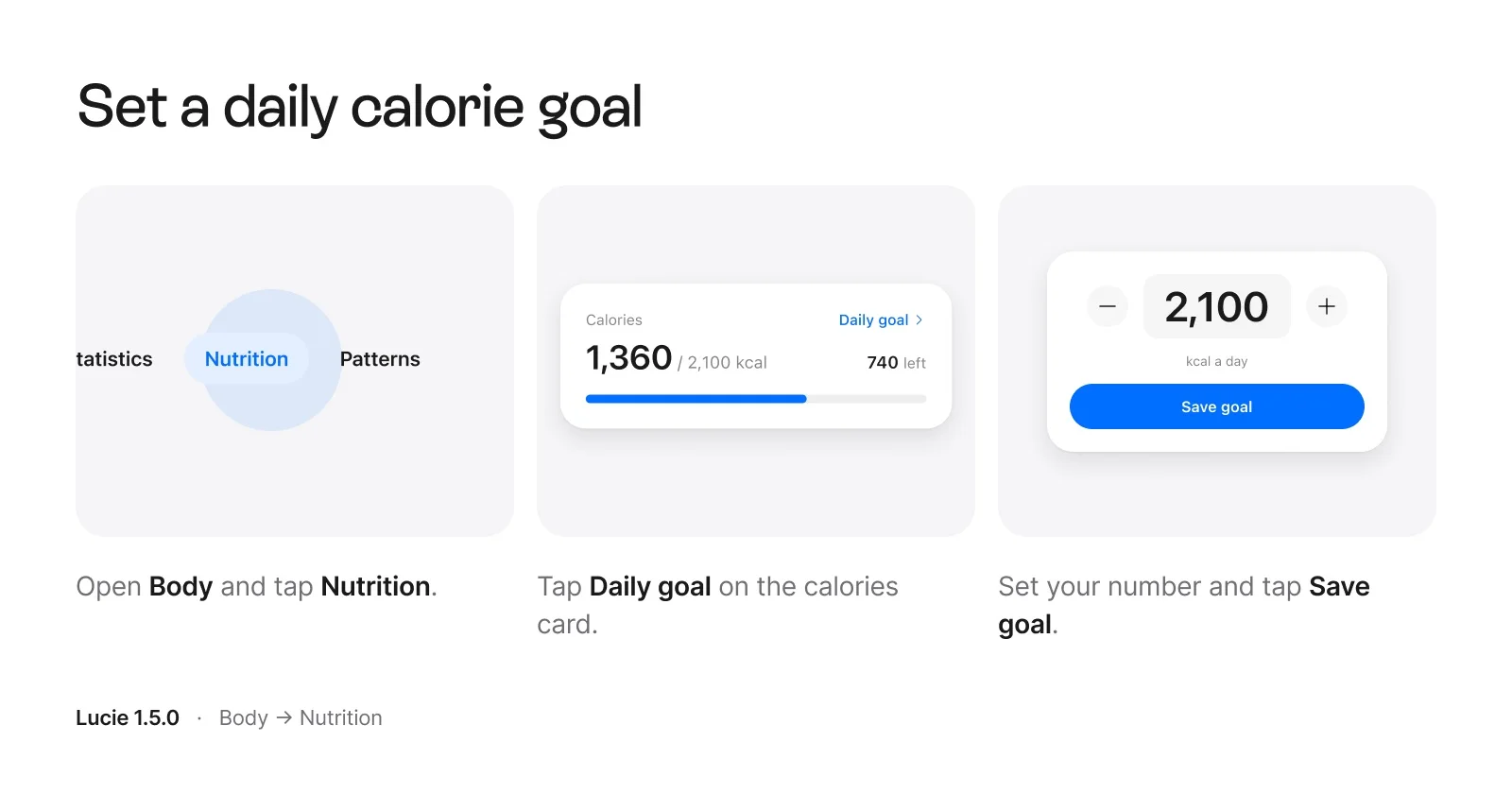
Open Body, then Nutrition, to see your logged meals, estimated calories and protein, carbs and fat. Set a daily calorie goal to track your progress.
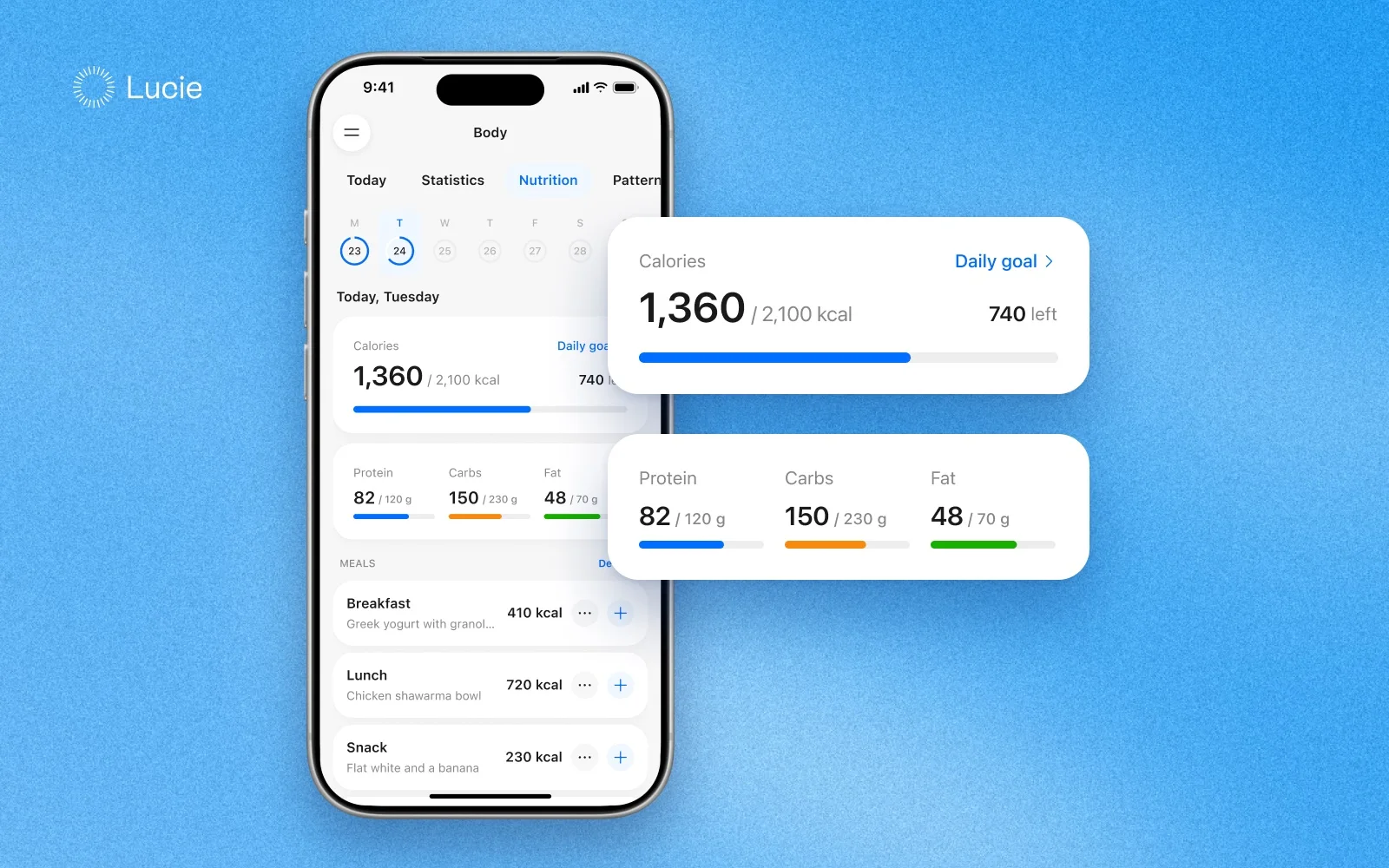
Nutrition figures are estimates. You can edit any meal Lucie logs.
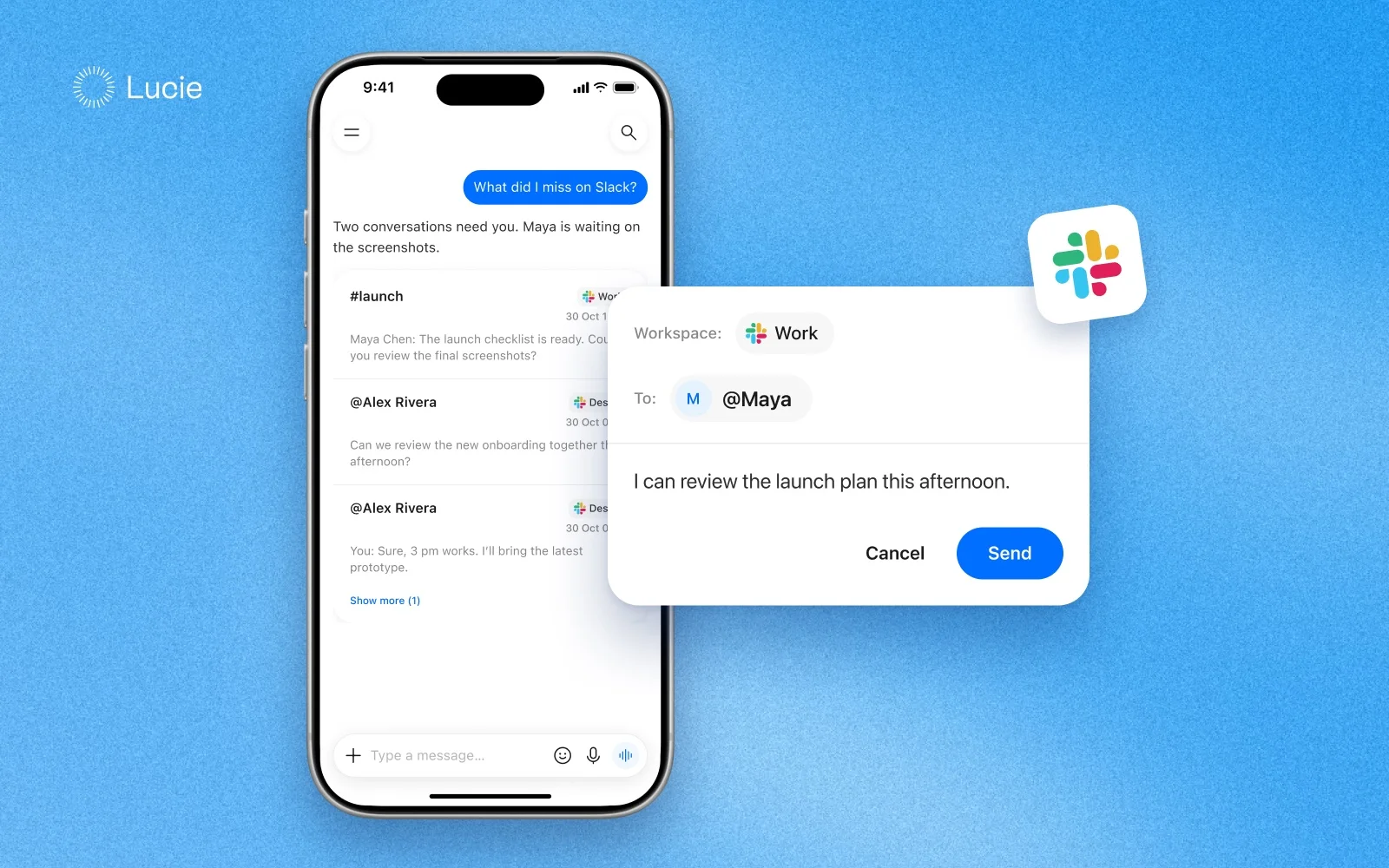
Catch up on Slack
Connect Slack to see what you missed and draft replies with Lucie. You approve each reply before it’s sent.
Tidy your inbox
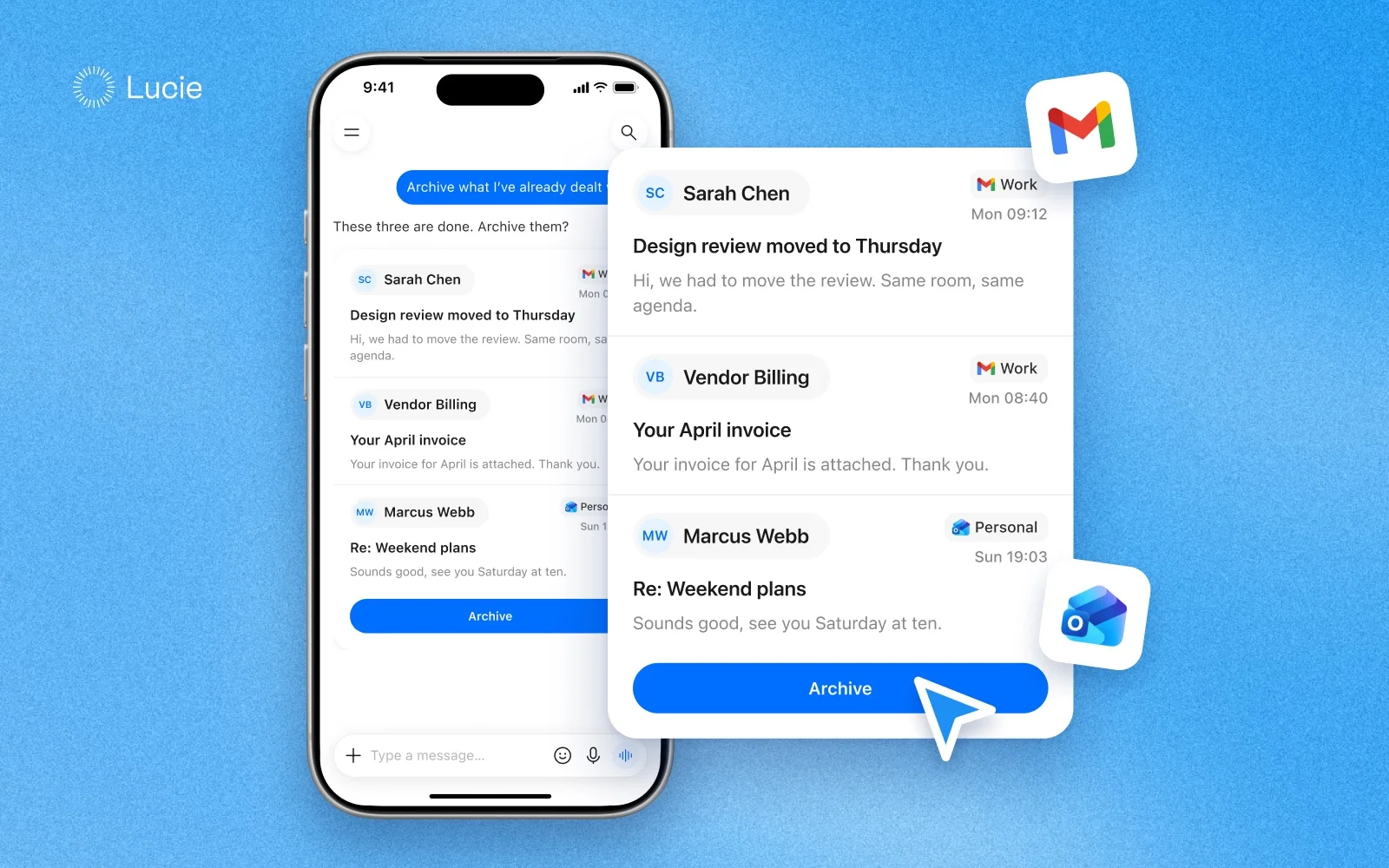
Ask Lucie to archive or delete emails in Outlook or iCloud Mail. It shows you the list before you confirm.
Adjust goals and habits
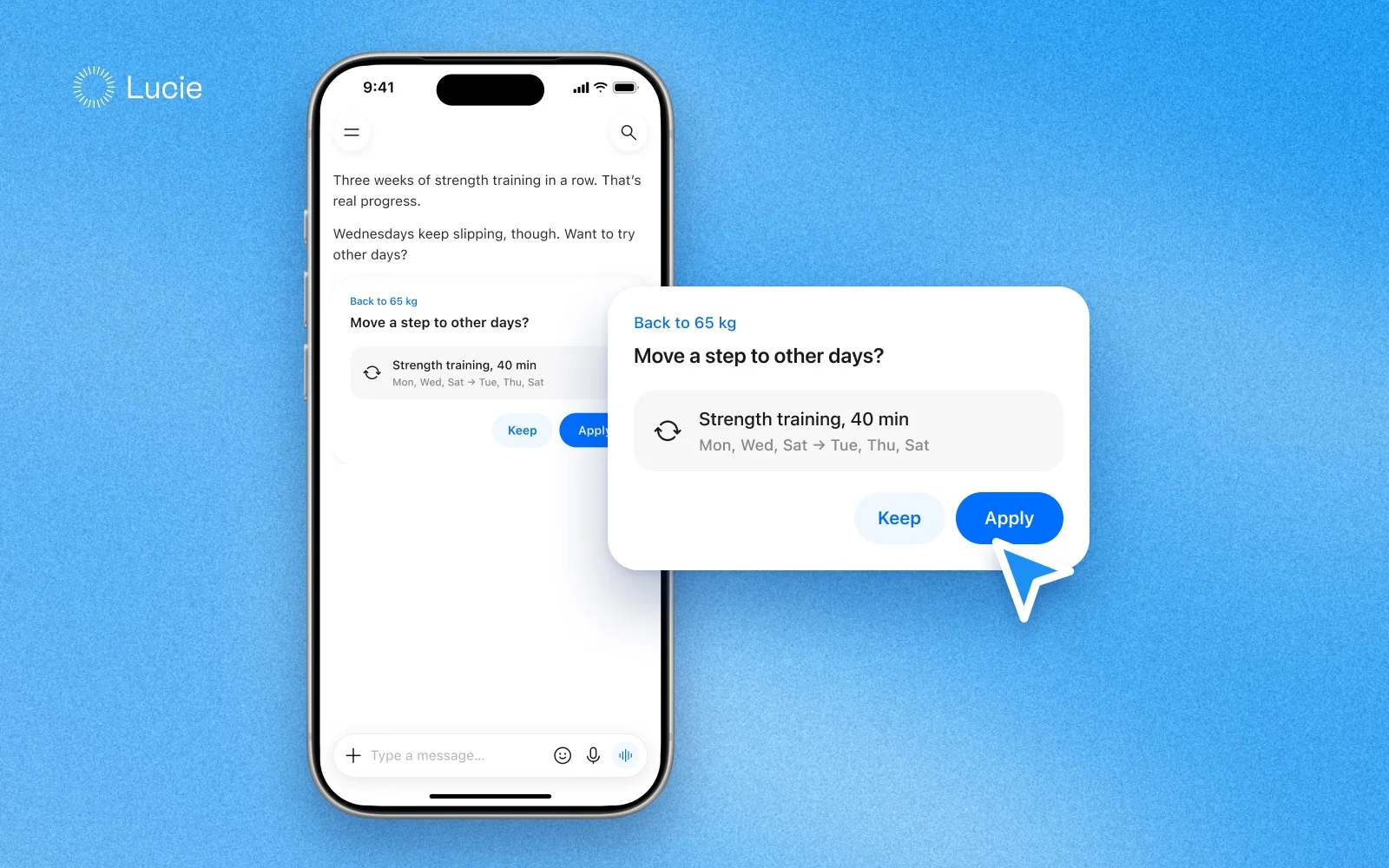
Lucie notices your progress and can suggest a smaller step or a different day when you’re struggling to stick to a plan. You choose whether to apply the change.
Connect shared calendars
Open Settings, choose Integrations and select your calendar account. Choose which shared calendars Lucie can read.
Italian and Spanish
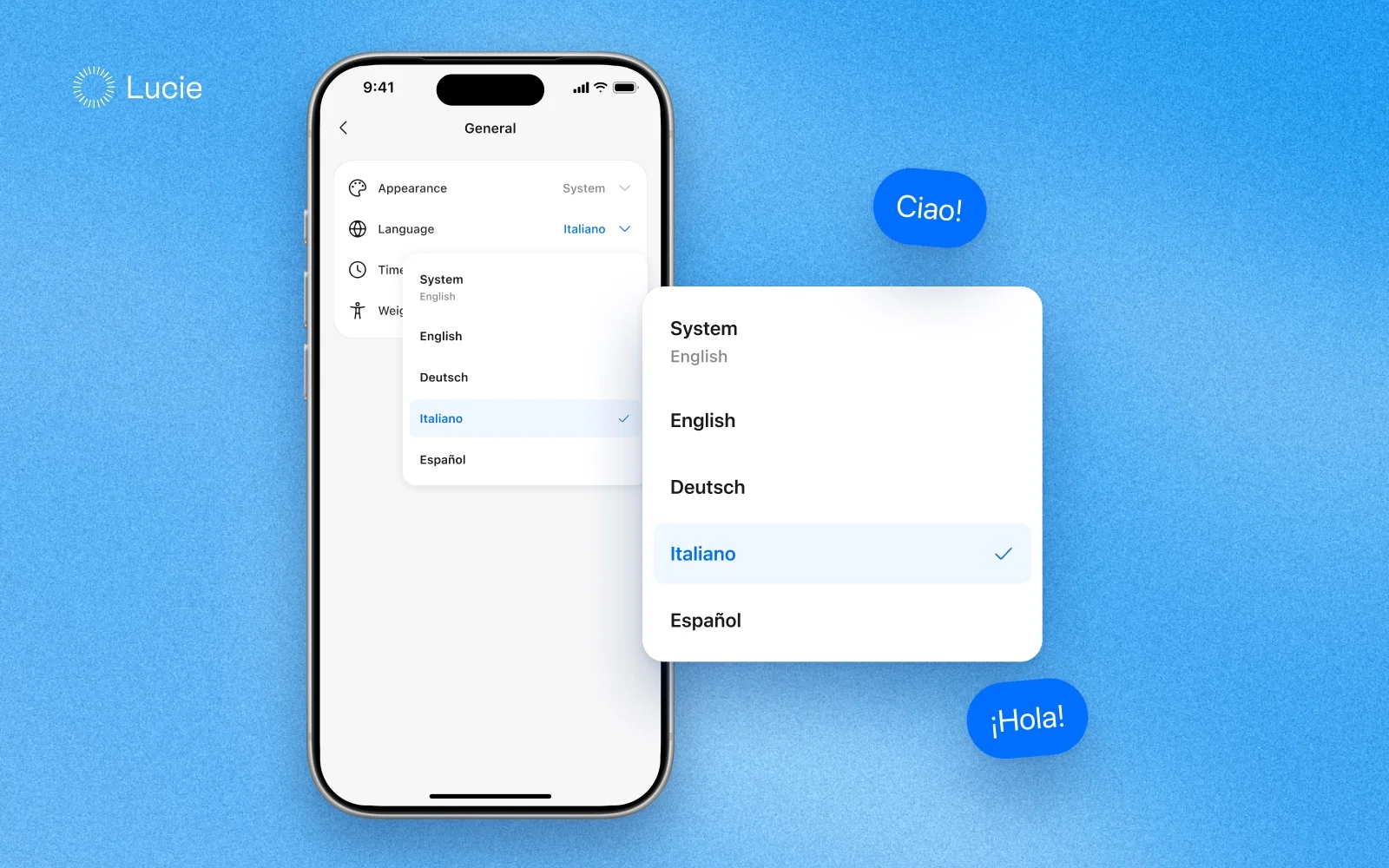
Choose Italian or Spanish in Settings under General, then Language. The app and Lucie’s replies switch to the language you select.
Have feedback? Send us a note from inside the app.