Product update
Try a habit for a week
Try a habit for seven days, shape your daily check ins and start a Focus session from Attention.
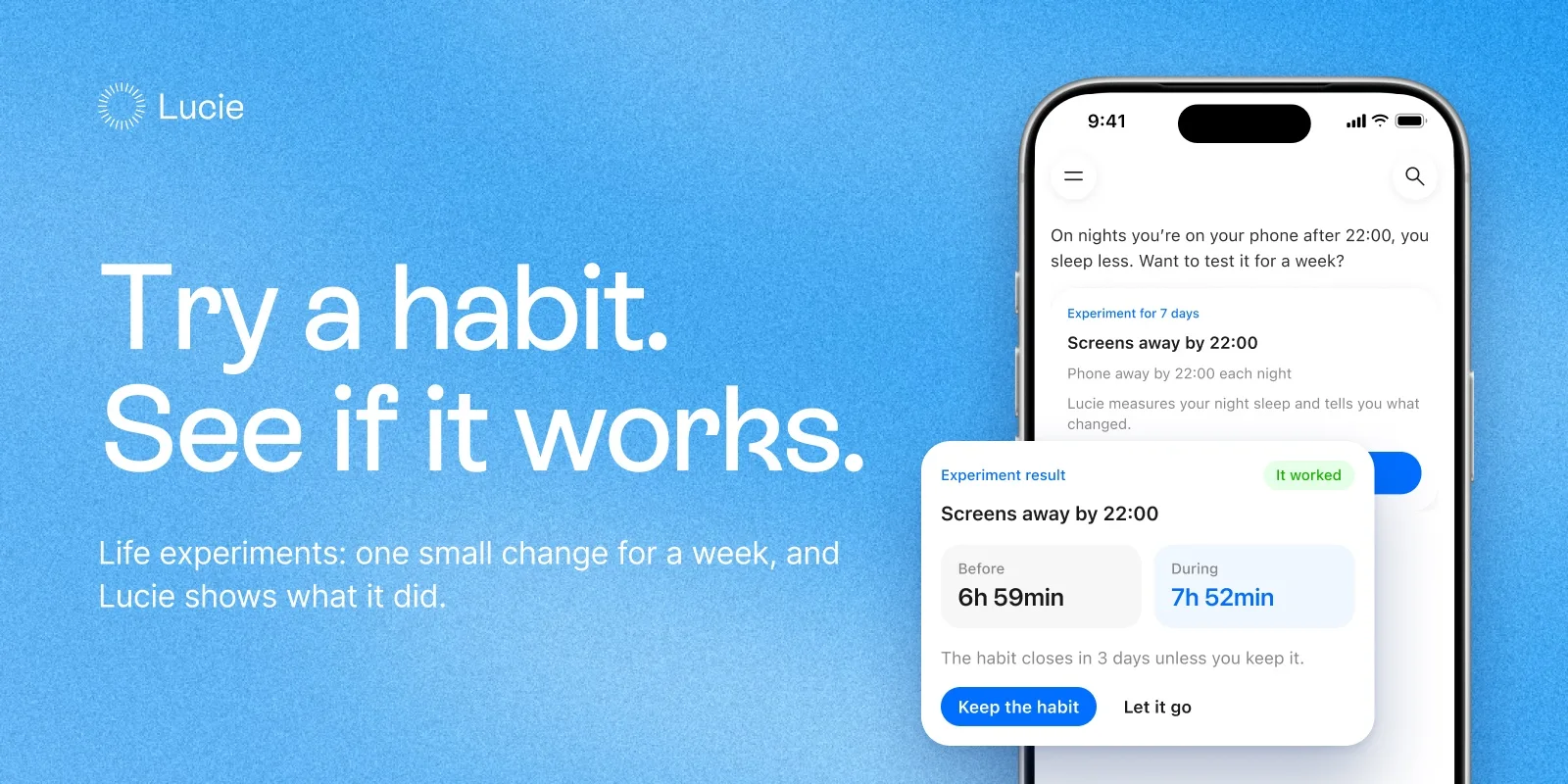
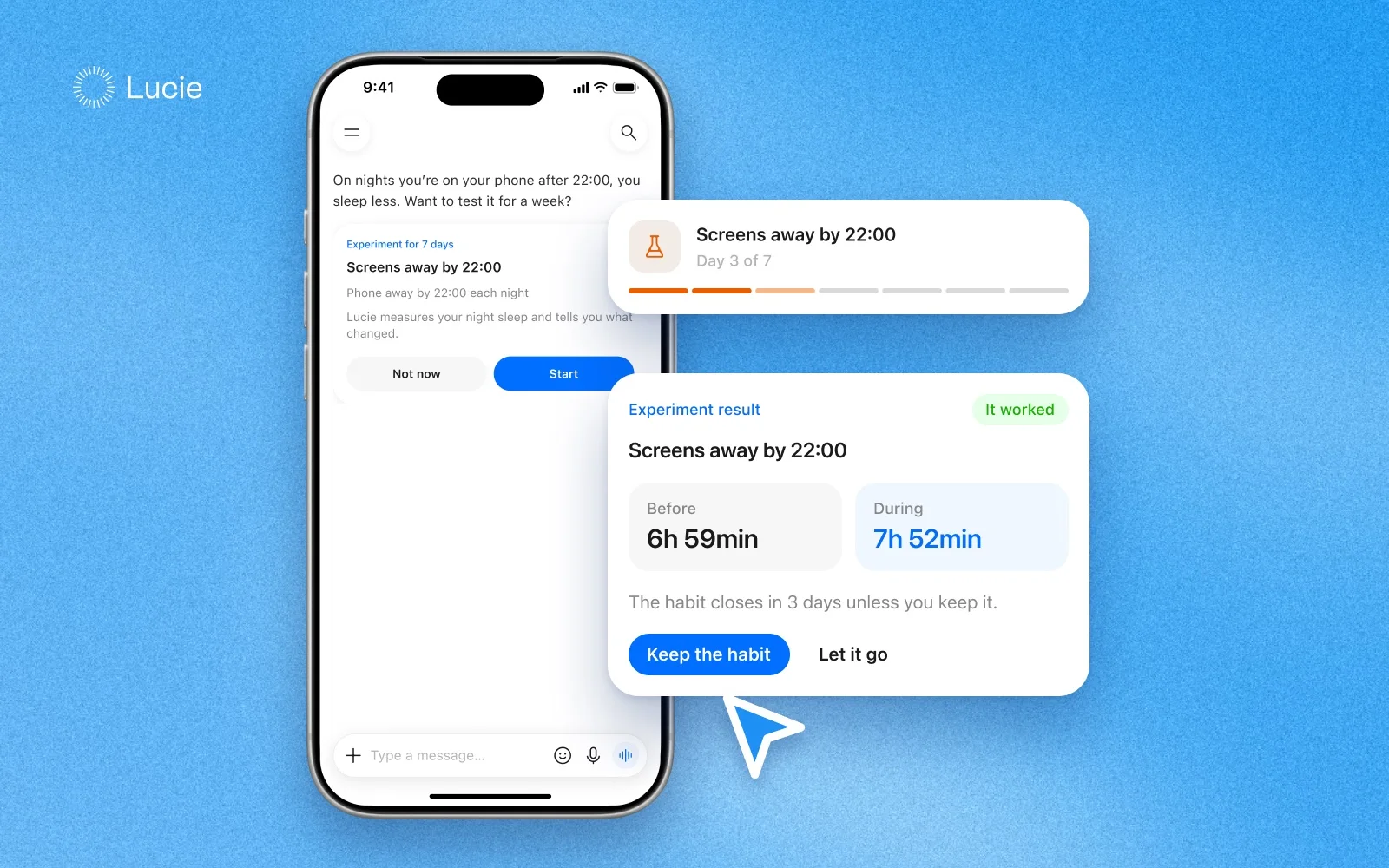
Version 1.4.0 introduces Life experiments, a way to try a small change and see what happens.
Life experiments
Try putting your phone away by 10 pm for a week. Lucie compares your sleep data from before and during the experiment so you can decide whether to keep the habit.
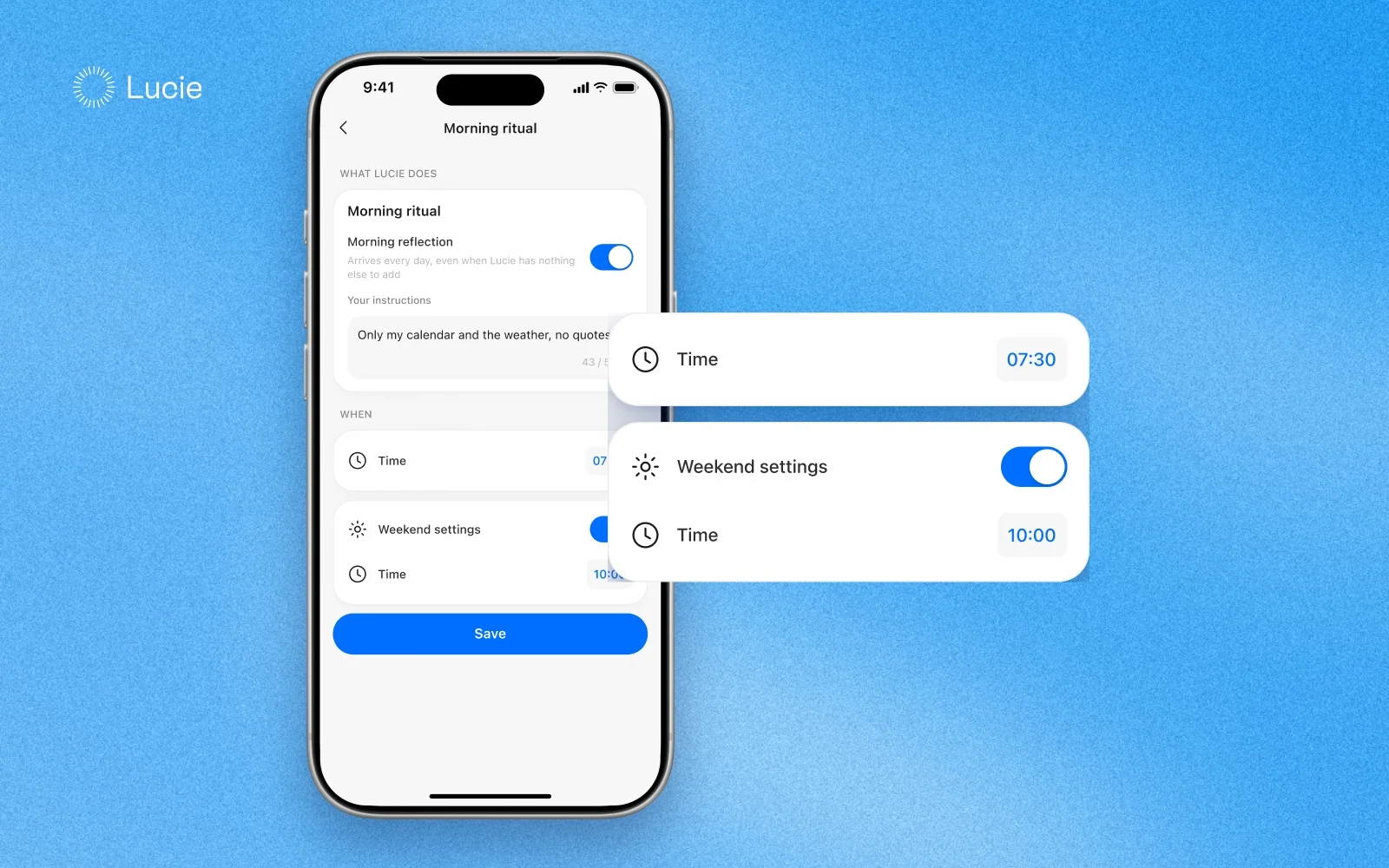
Shape your daily check ins
Choose what Lucie includes in its morning and evening messages and when they arrive. Set separate times and quiet hours for weekends.
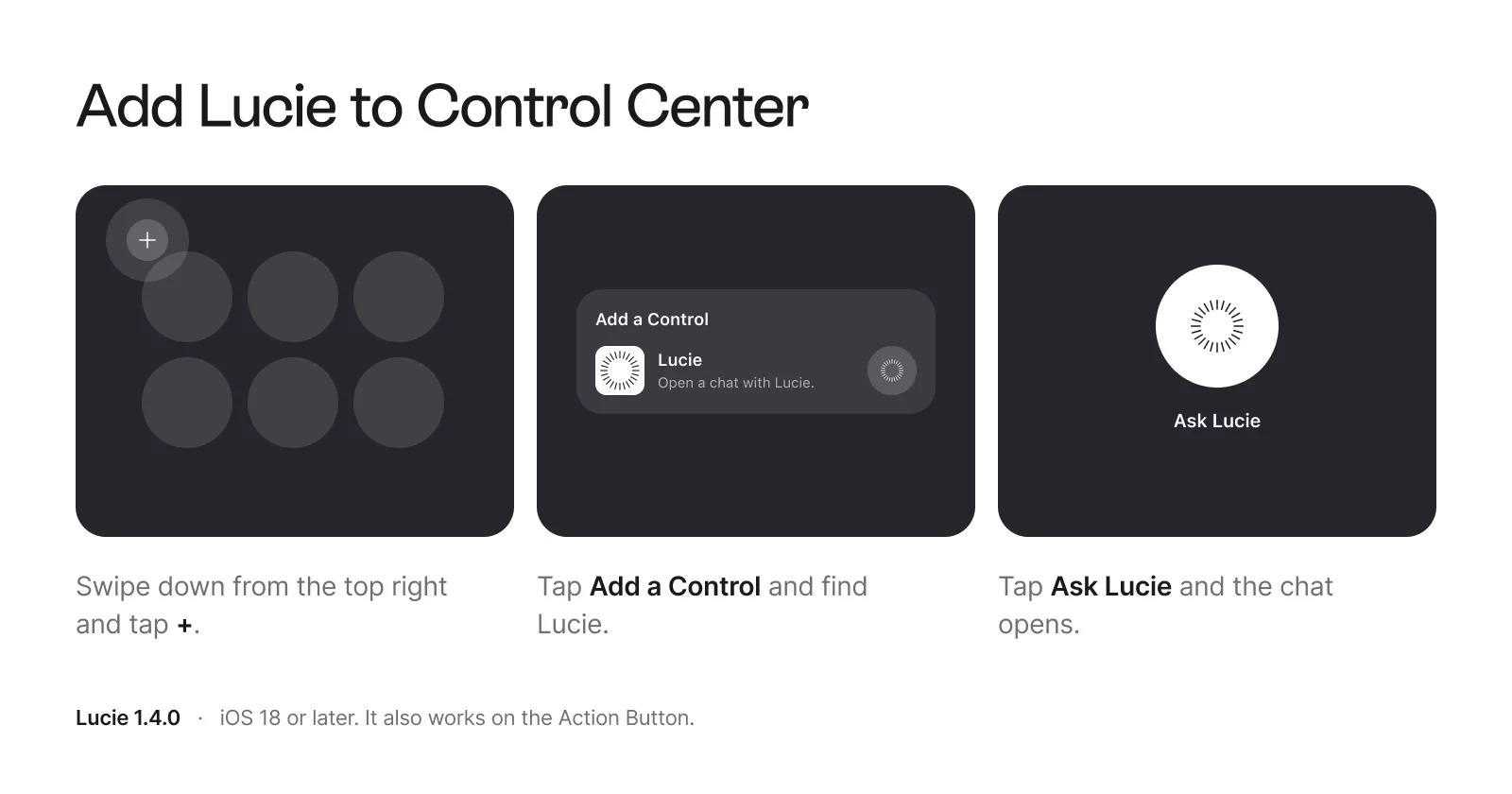
Lucie in Control Center
On iOS 18 or later, add Lucie to Control Center to open a chat. If your iPhone has an Action Button, you can use that too.
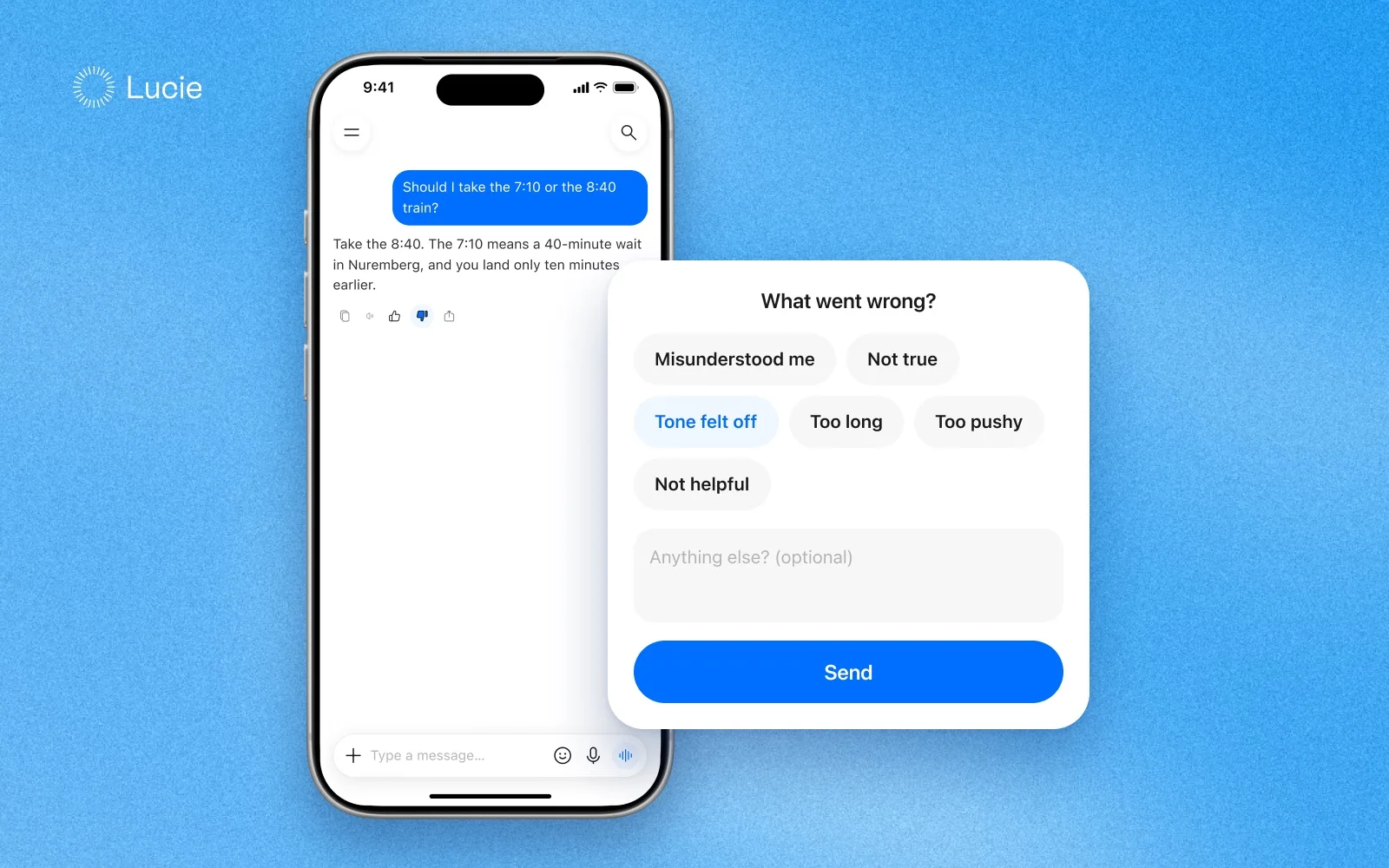
Rate Lucie’s replies
Give a reply a thumbs up or down. If it missed the mark, tell us what went wrong.
Copy what you need
Copy part of a reply or select several messages to copy them together, with each speaker labelled.
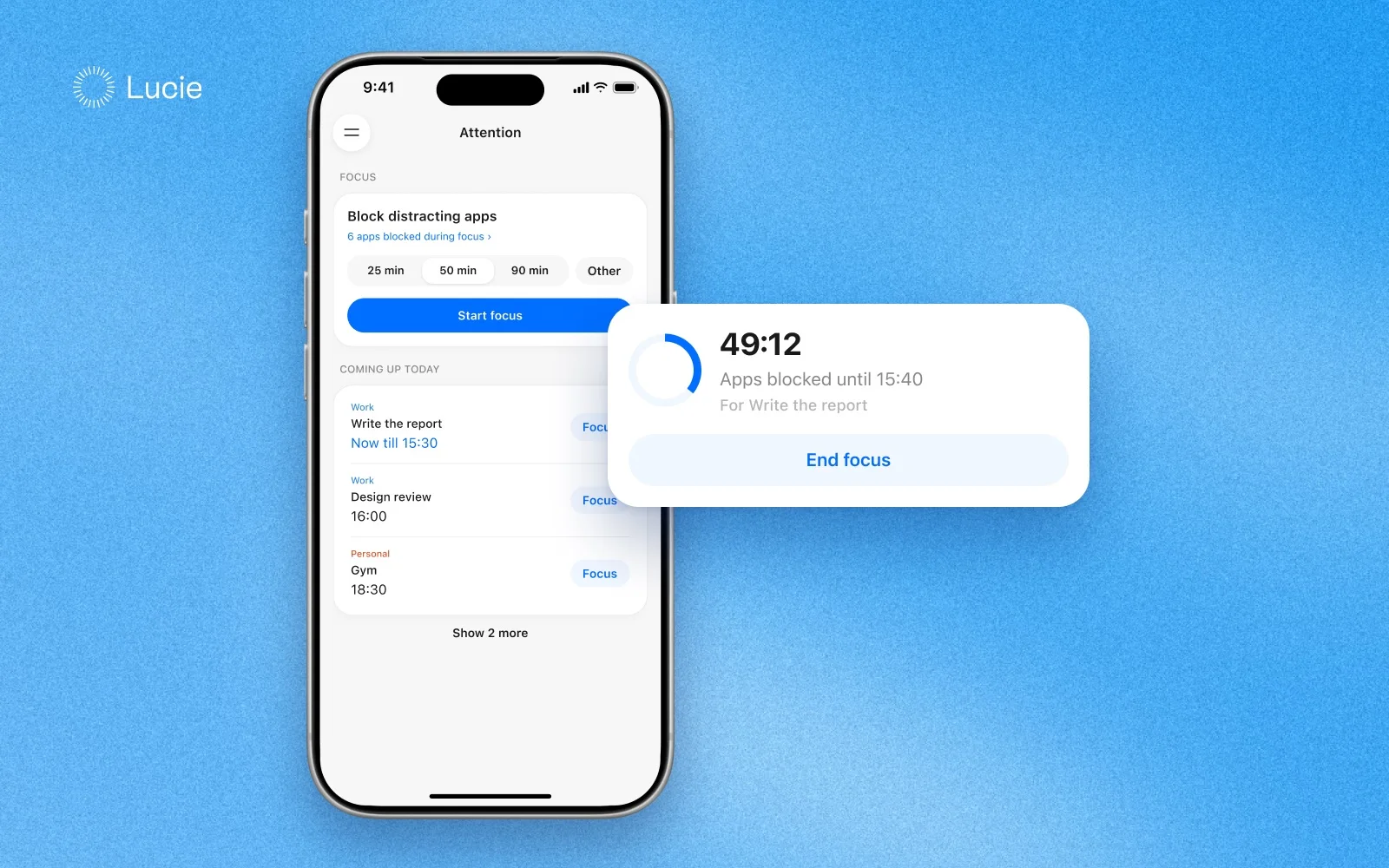
Start Focus from Attention
Tap Focus beside a calendar event to block distracting apps, or start a separate session for 25, 50 or 90 minutes.
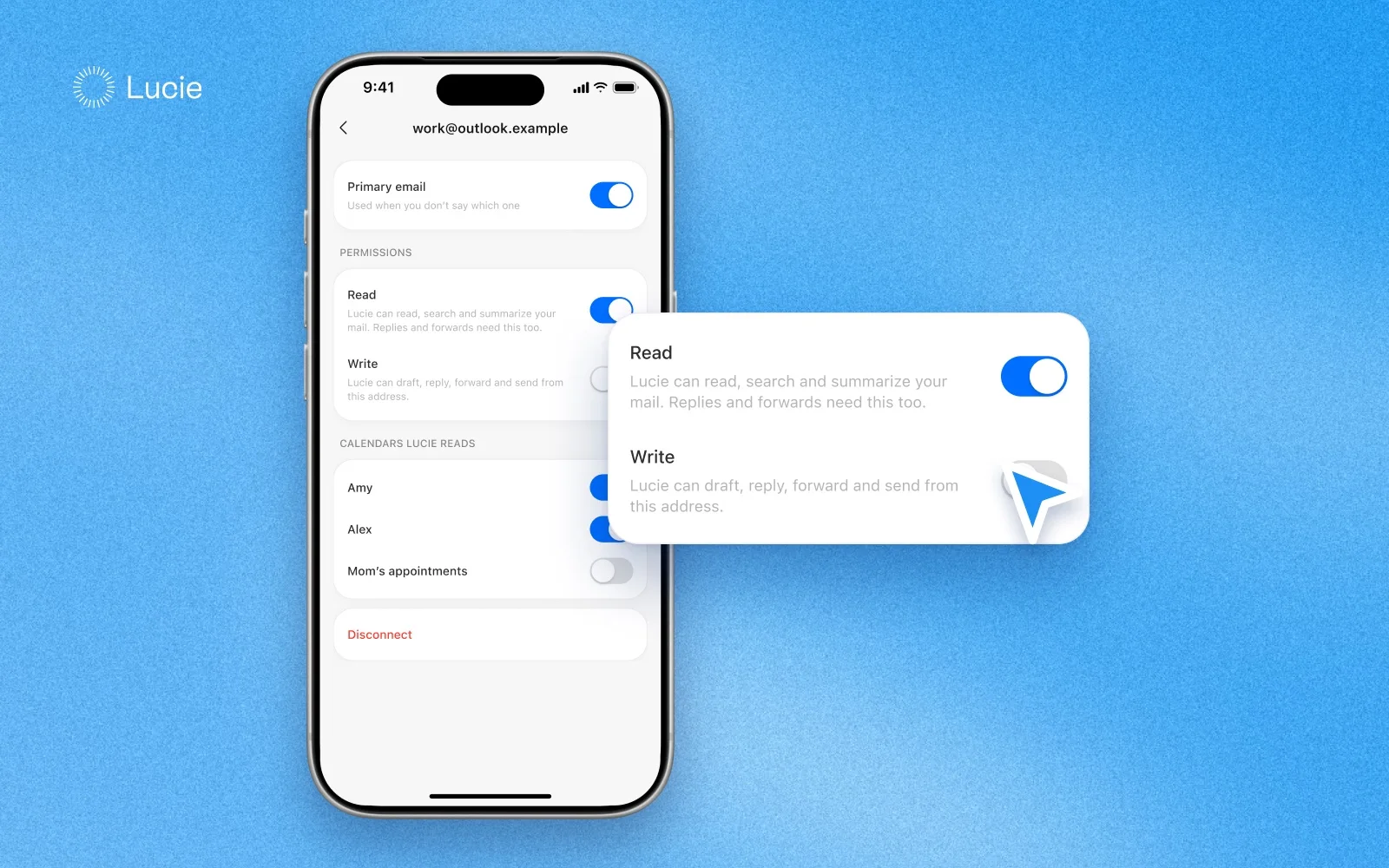
Choose what Lucie can access
Use separate Read and Write controls for each connected mailbox. You can also choose which calendars Lucie can read.
Have feedback? Send us a note from inside the app.