Product update
Lucie speaks German
Use Lucie in German, find recent files faster and control how much space the app uses on your iPhone.
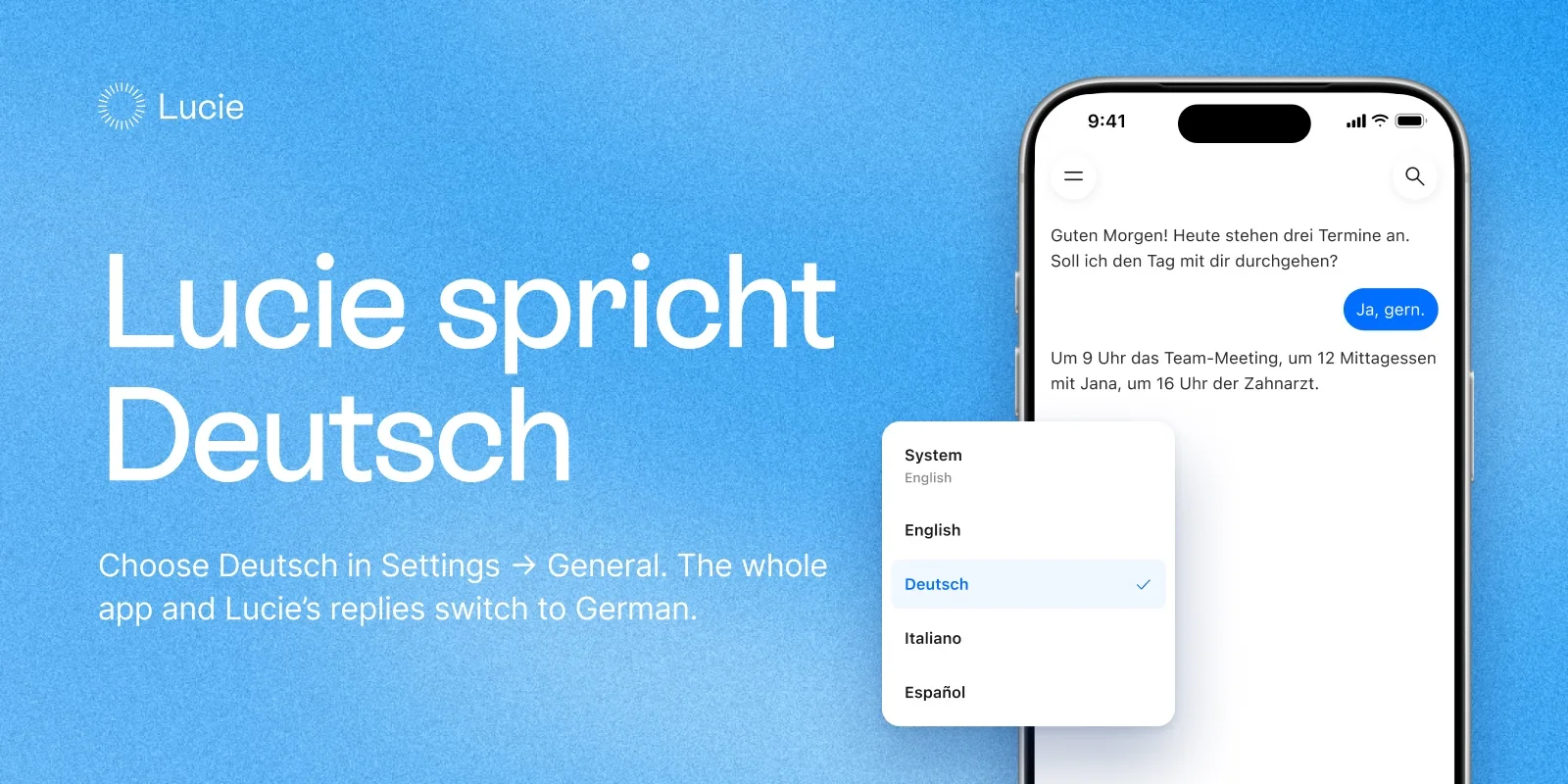
Version 1.4.1 brings German to the app and to Lucie’s replies.
Switch to German
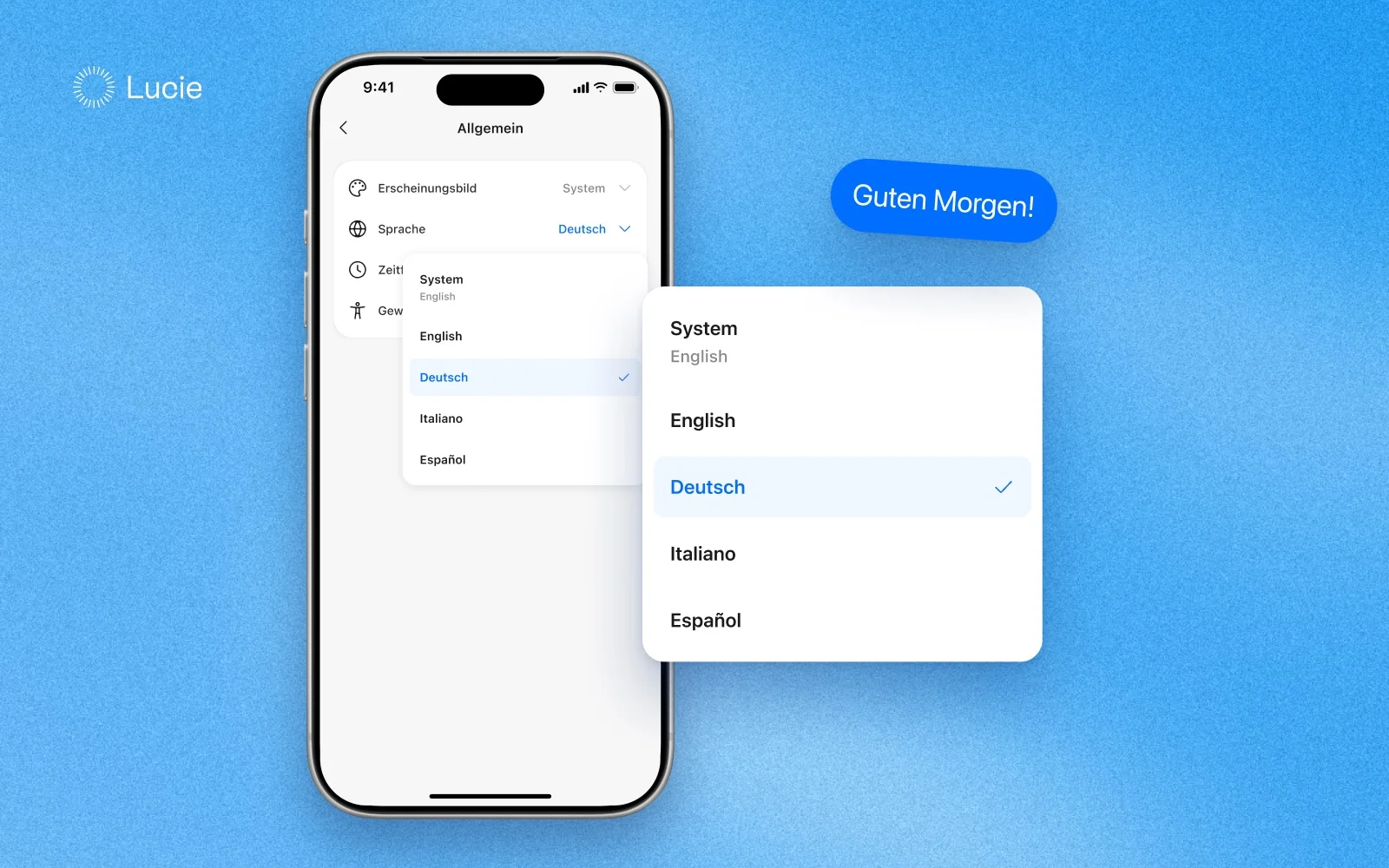
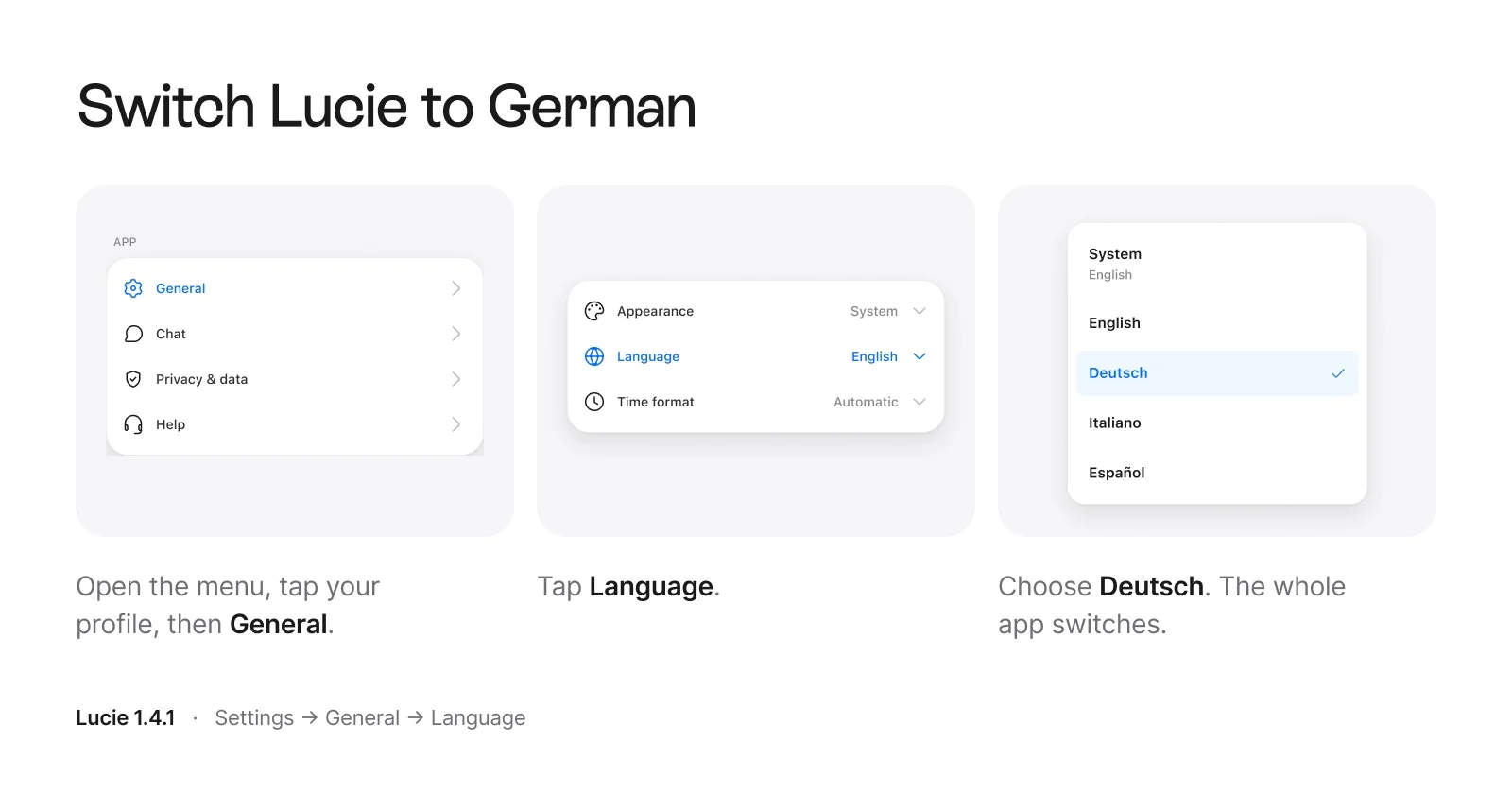
Choose Deutsch under Settings, General, then Language. If your iPhone is already set to German, select System.
Find recent images and files
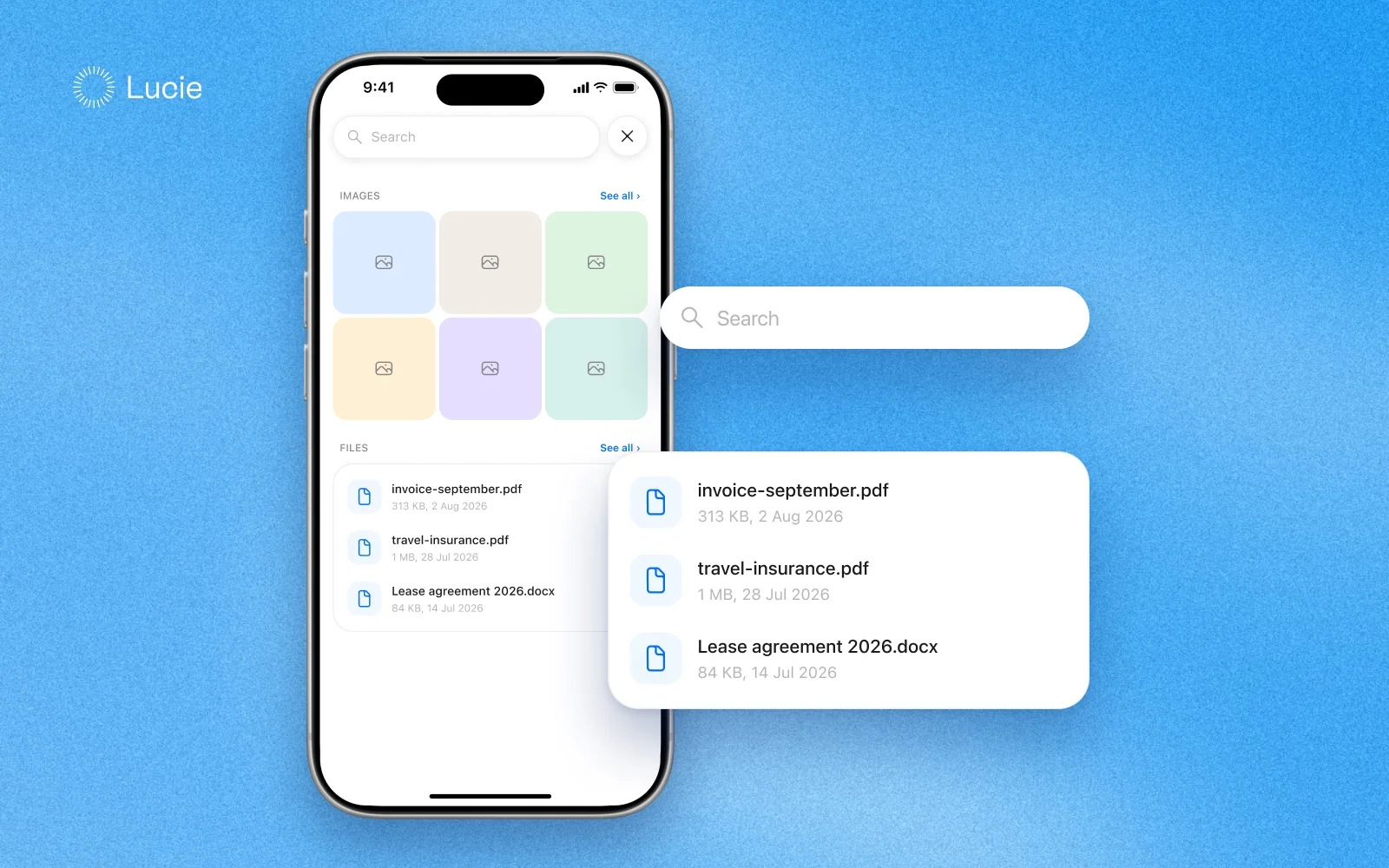
Open Search to see recent images and files. Start typing to find messages, with matching words highlighted.
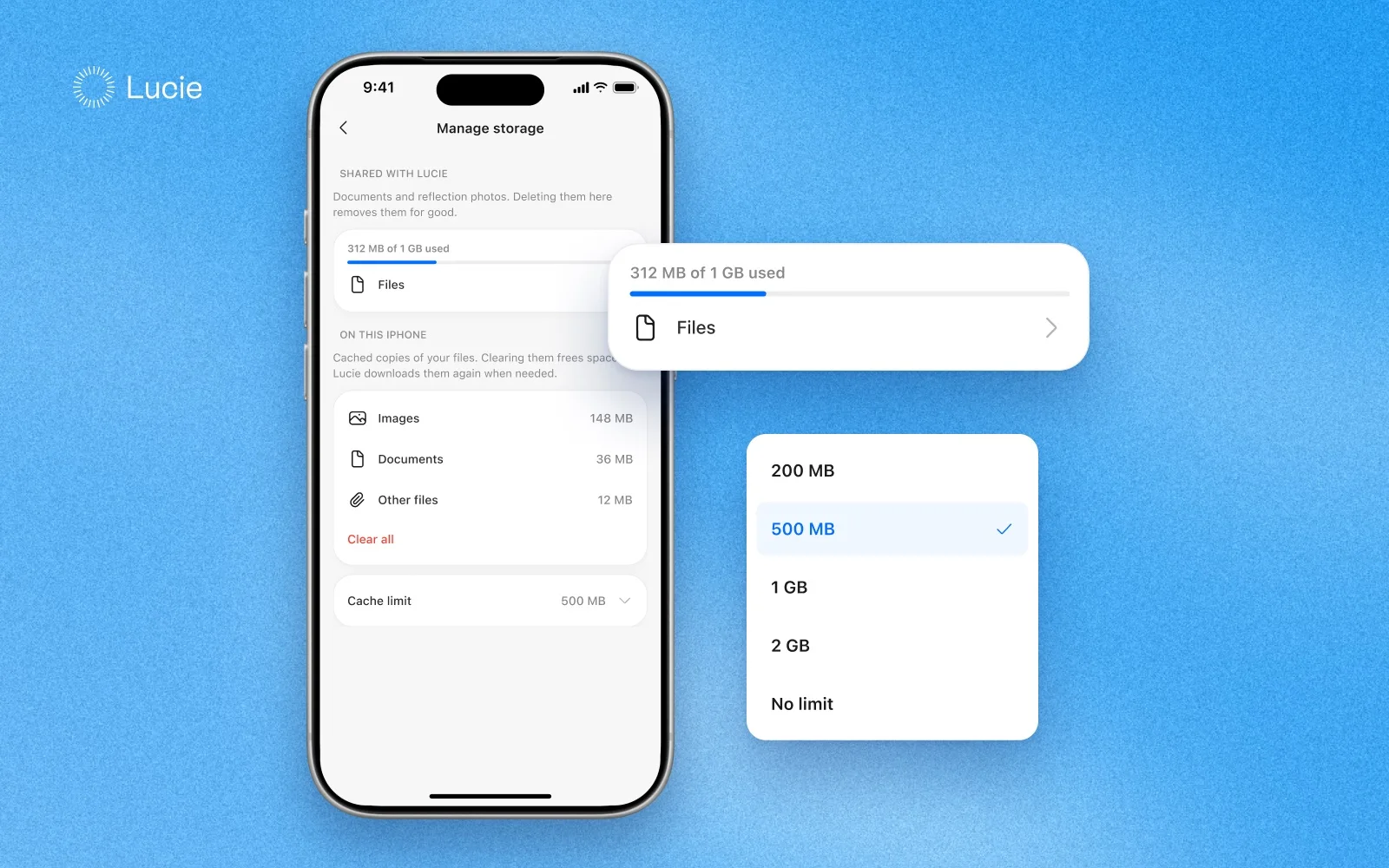
Manage storage
Open Manage storage under Privacy & data to see how much space Lucie uses on your iPhone. You can clear the cache or set a limit. Files download again when you need them.
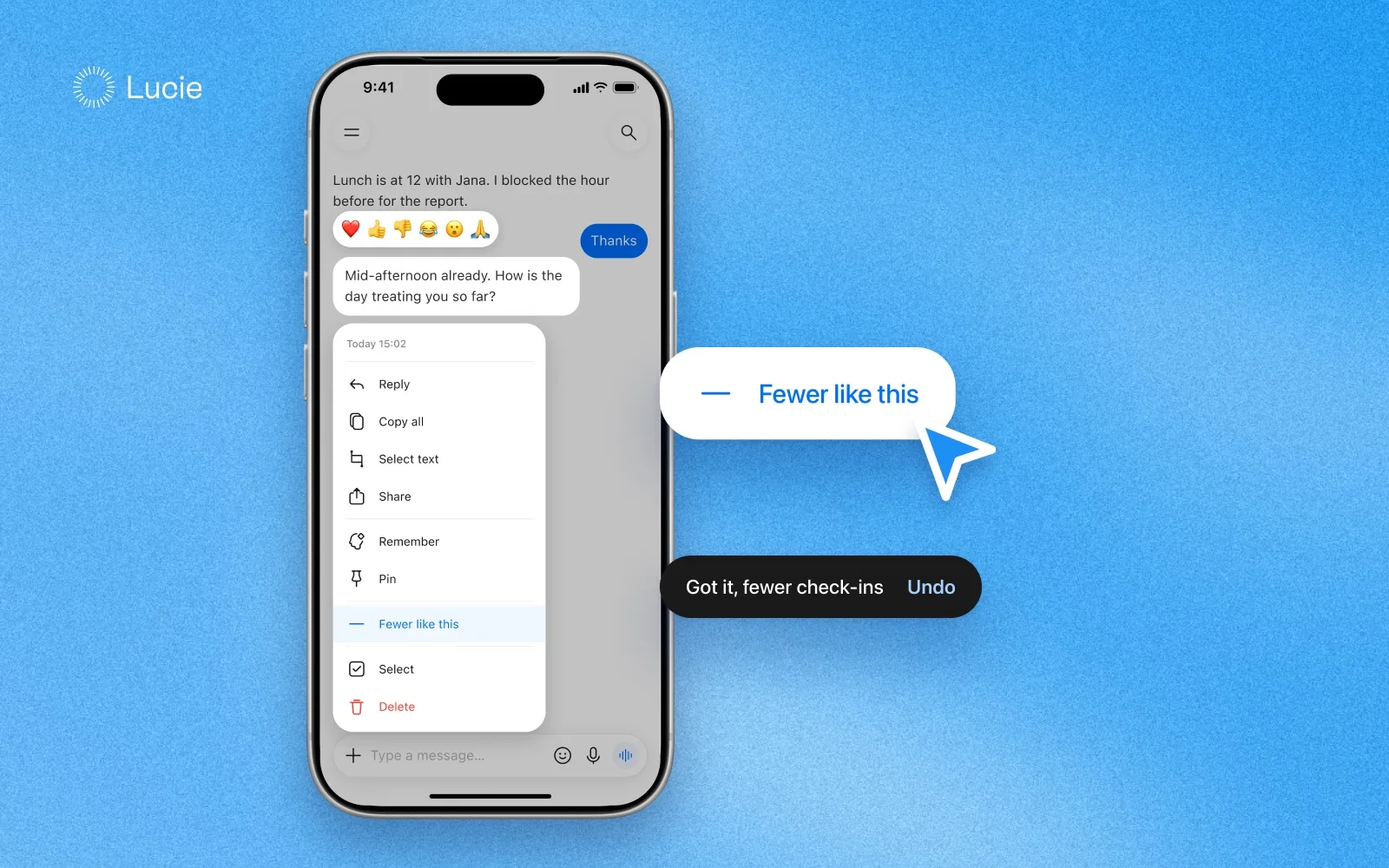
See fewer messages on a topic
Press and hold a message from Lucie and tap ‘Fewer like this’. If it covers several topics, choose which ones you want to hear less about. You can undo the choice straight away.
Have feedback? Send us a note from inside the app.