Product update
Secret chat and the new Body page
Start a chat that stays out of your history and see your health data in Body.
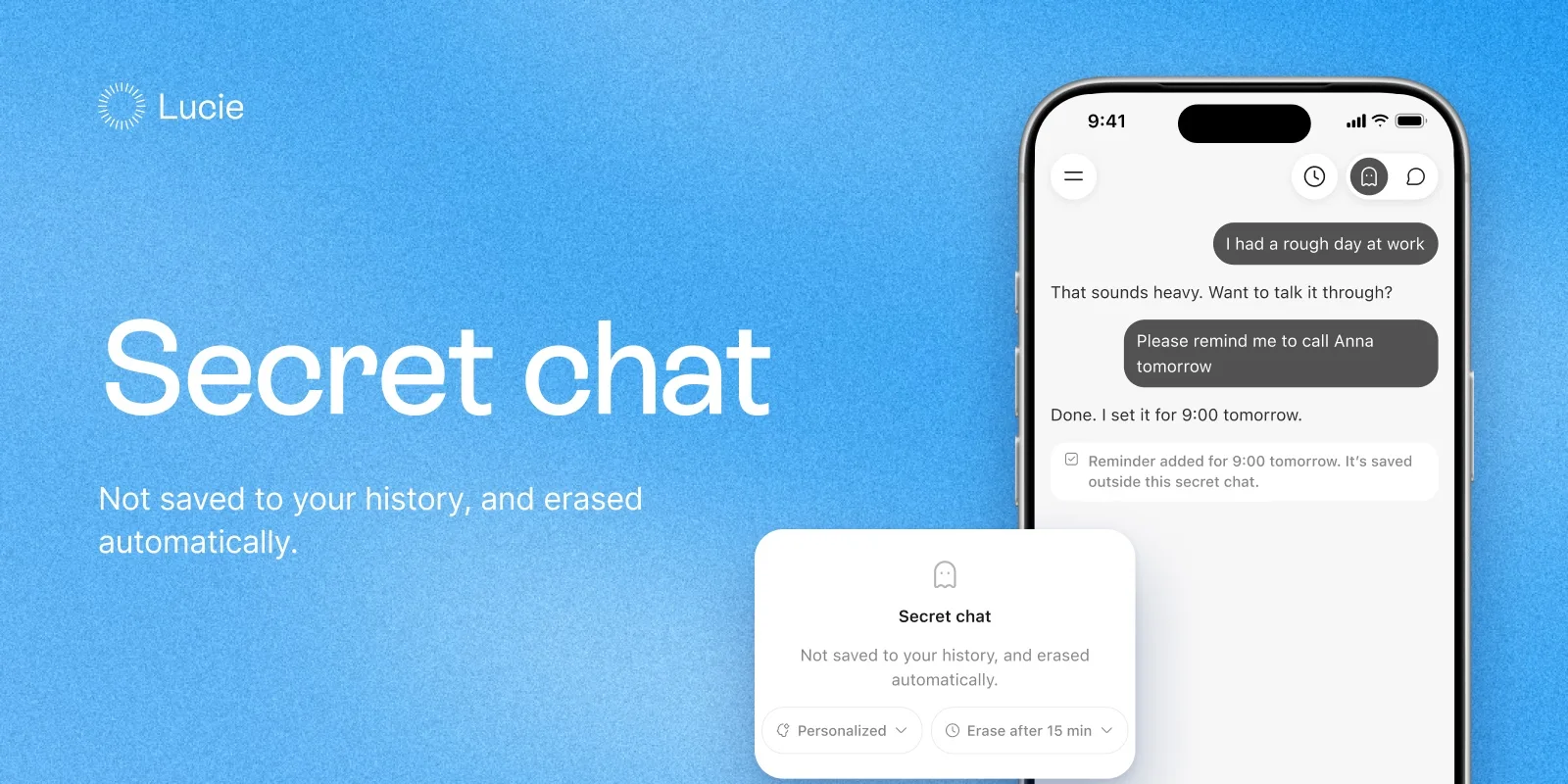
Version 1.3.0 adds Secret chat and gives your connected health data a home in Lucie.
Secret chat
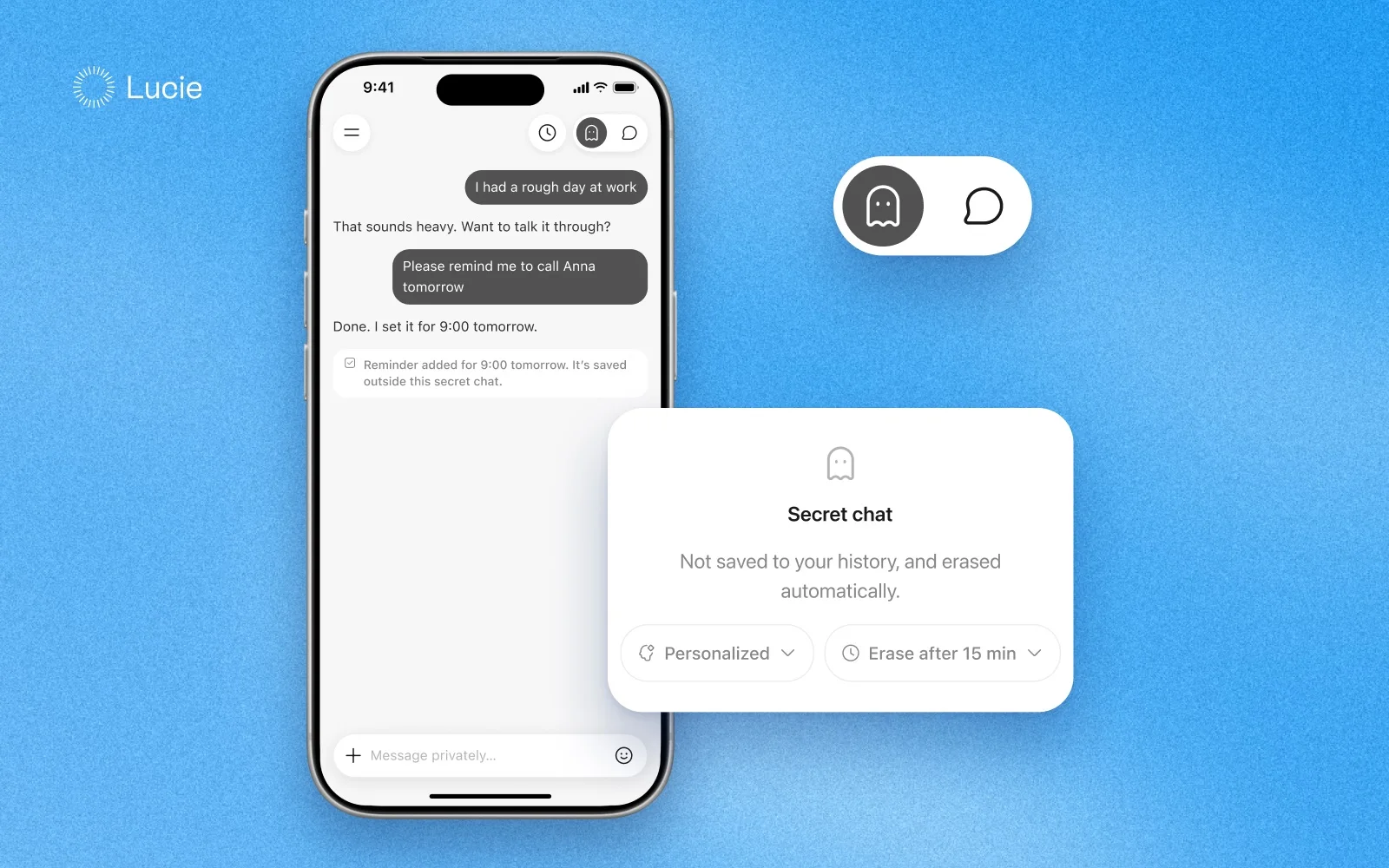
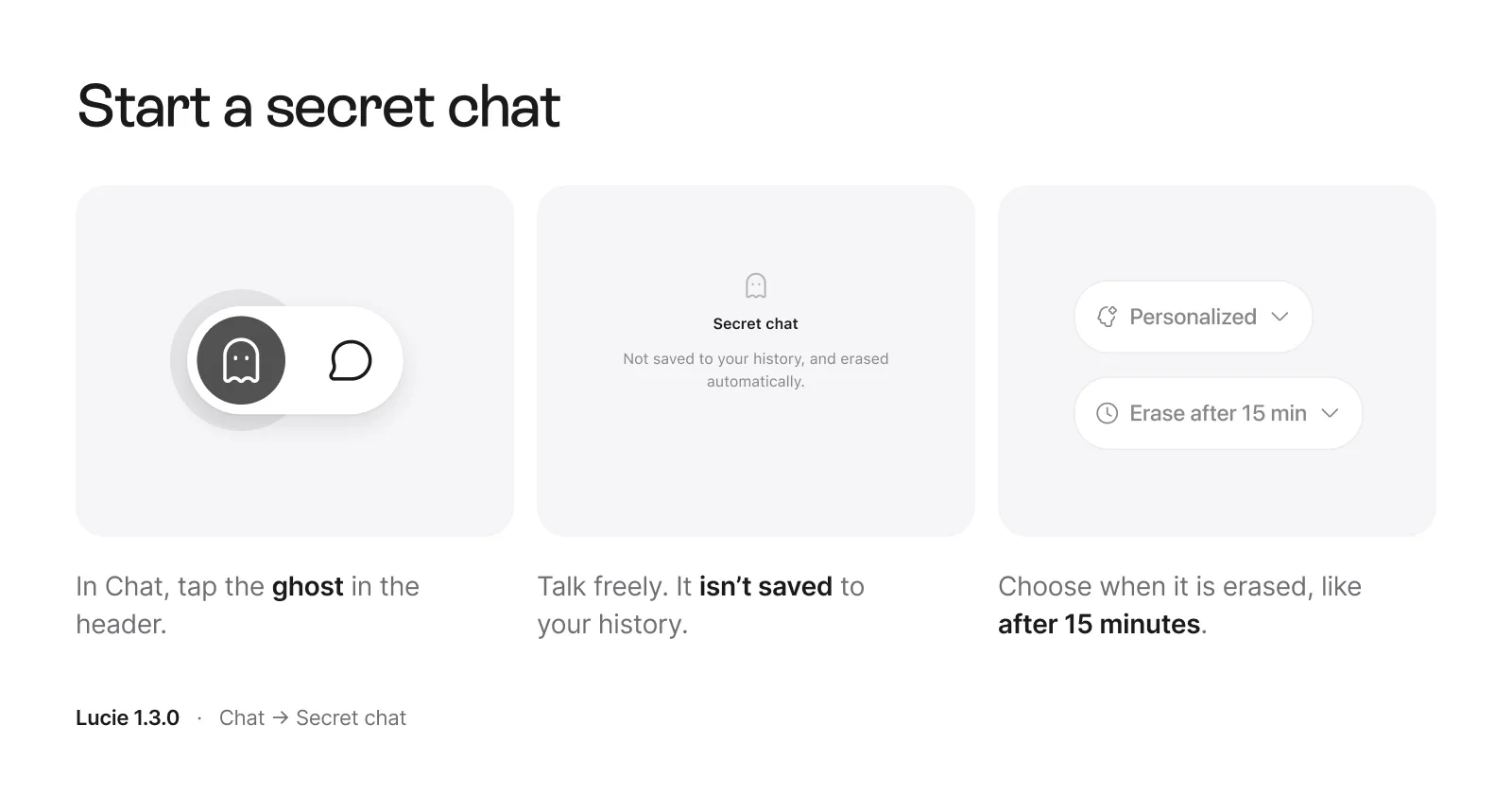
Tap the ghost icon to start a Secret chat. It stays out of your chat history and clears when you leave or 15 minutes after your last message, depending on your settings. You can choose whether Lucie uses what it already knows about you. If you ask it to create a reminder, Lucie tells you it will save the reminder separately.
See your health data in Body
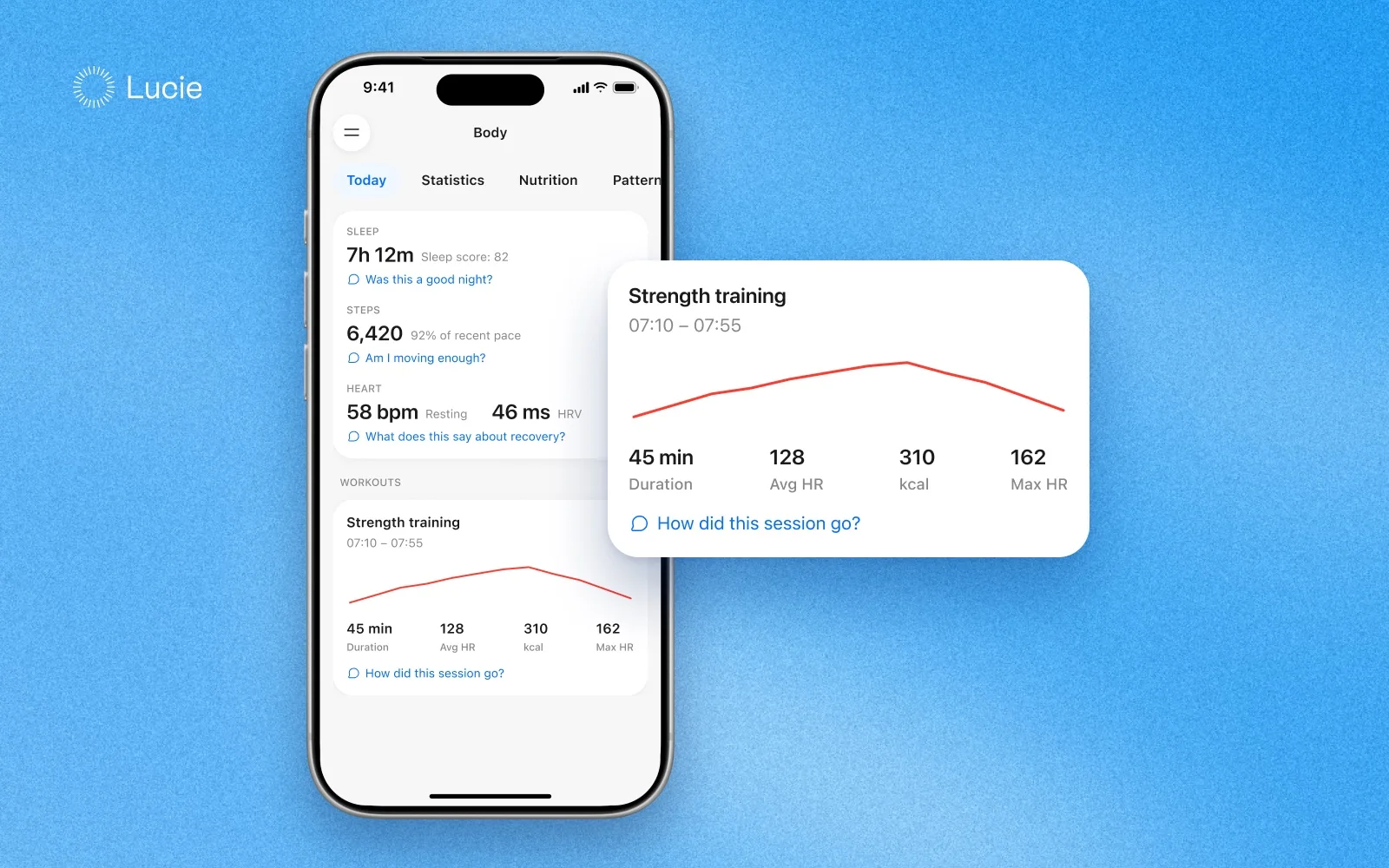
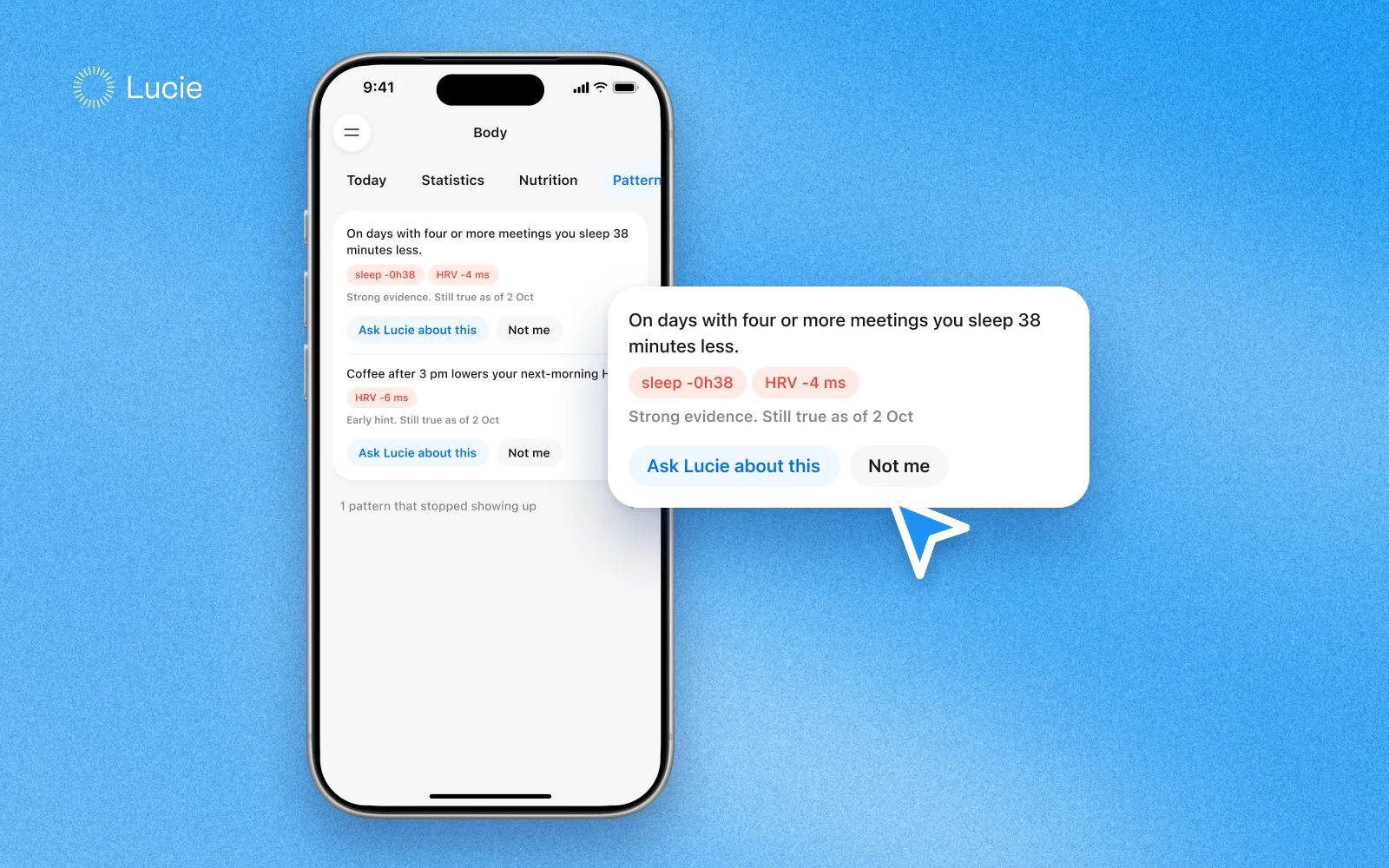
Open Body to see sleep, steps, heart rate and workouts from your connected wearable or health app. Use Statistics to see trends and Patterns to review what Lucie has noticed.
Dismiss a pattern
If a pattern feels off, tap ‘Not me’ to dismiss it.
Delete several messages at once
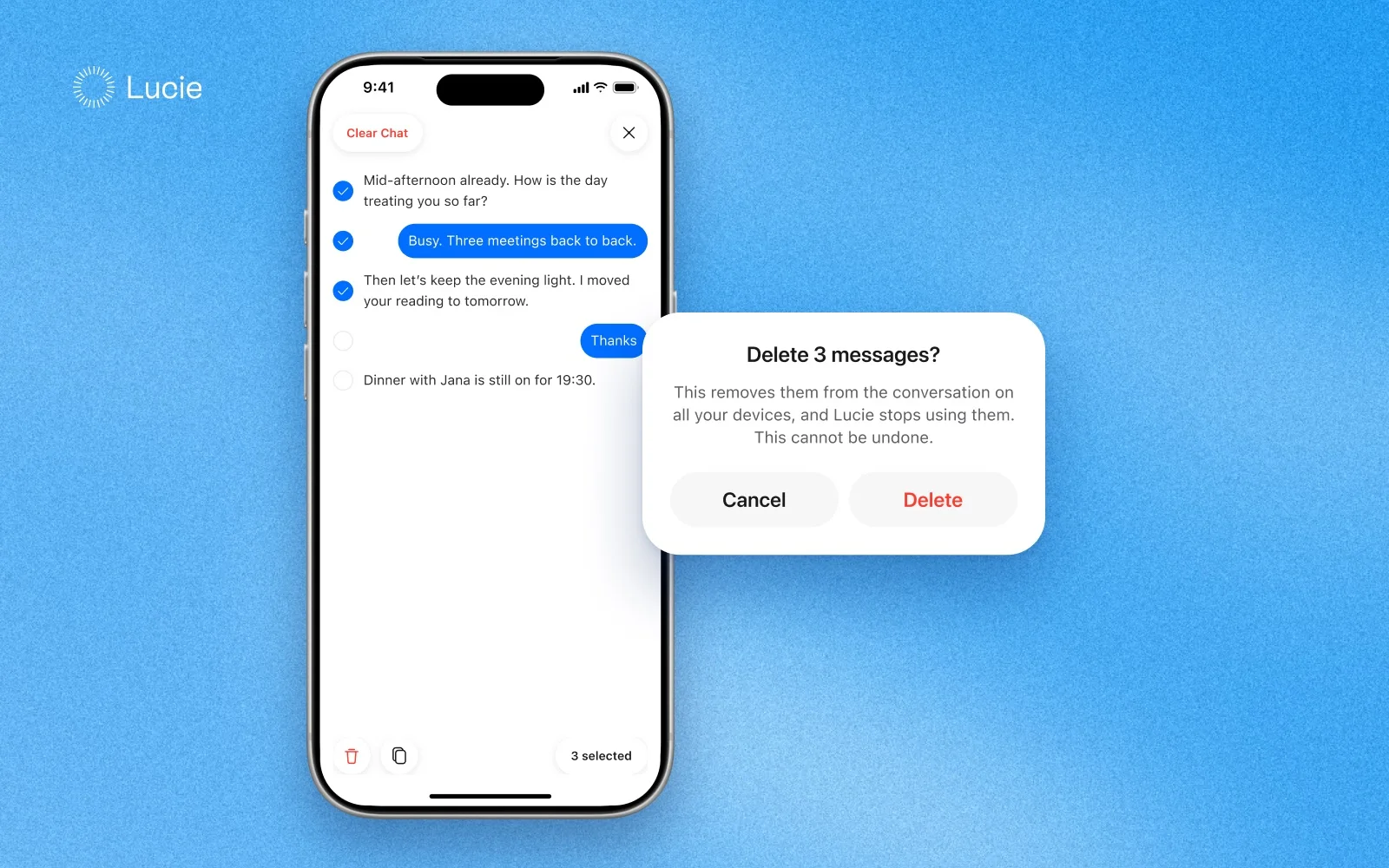
Press and hold a message, tap Select and choose the messages you want to delete. Lucie asks you to confirm before deleting them across your devices.
Choose your time format
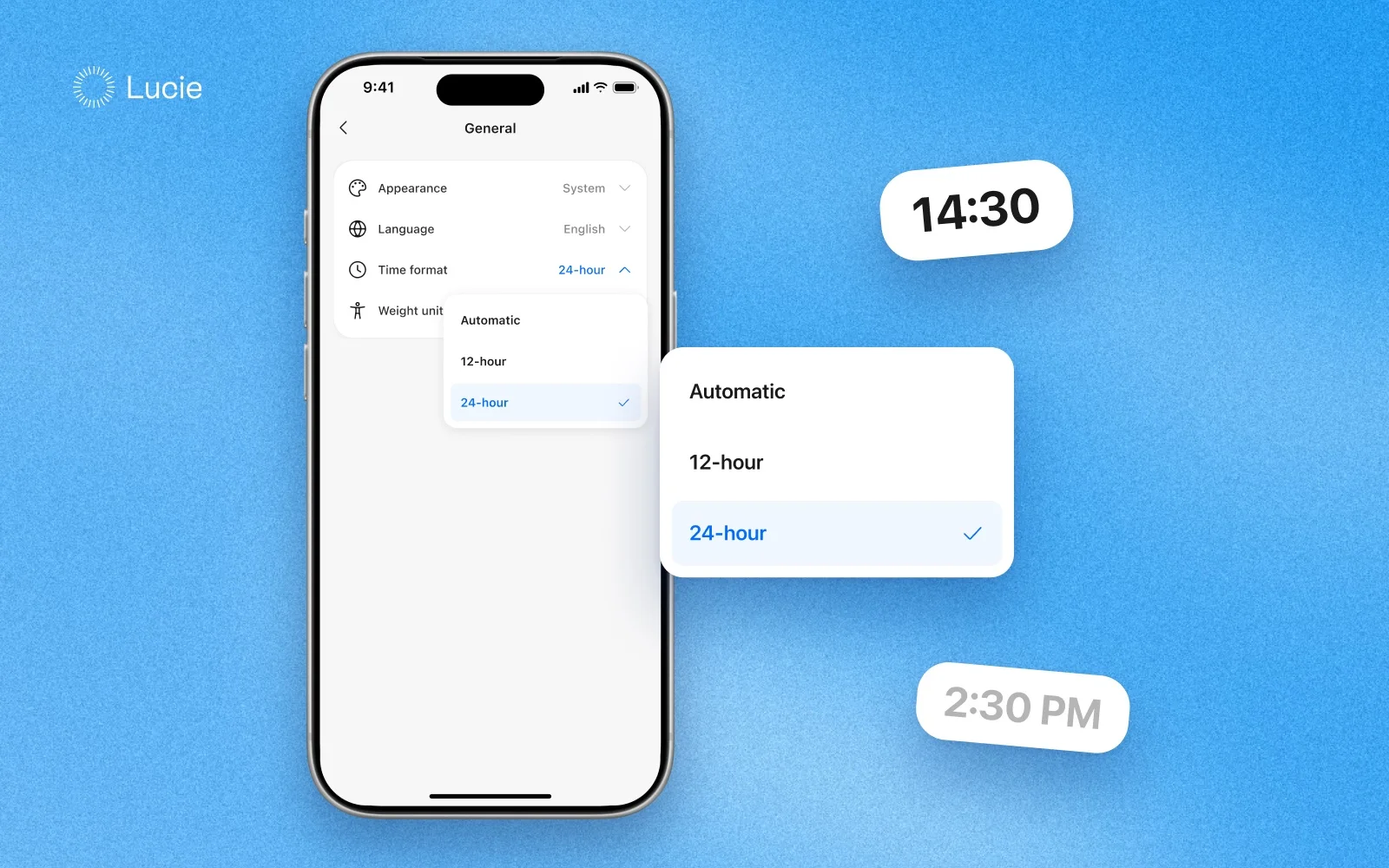
Choose a 12 or 24 hour clock under Settings, General, then Time format.
Have feedback? Send us a note from inside the app.